



Overview:
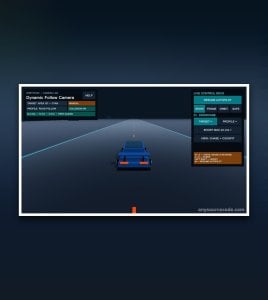
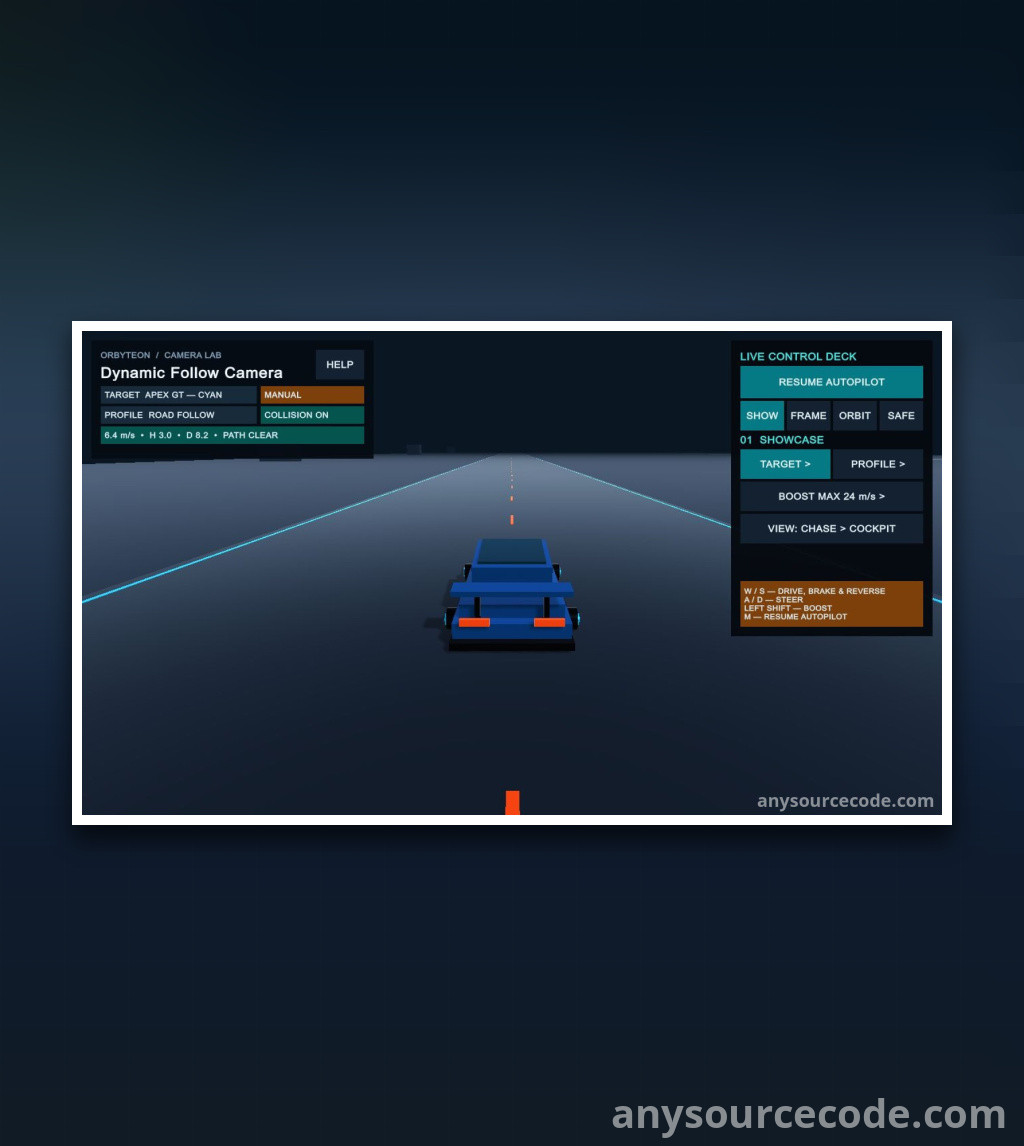
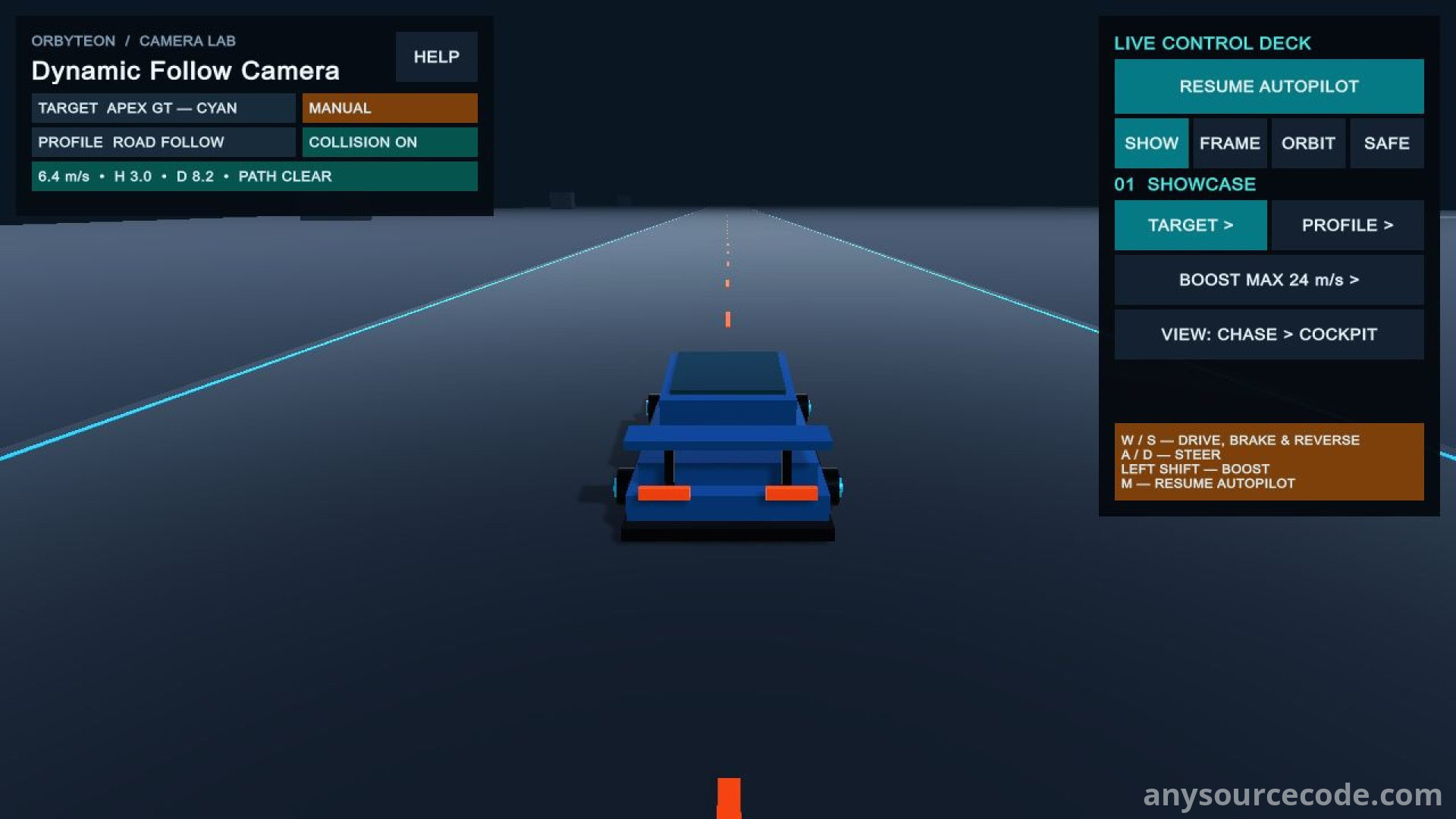
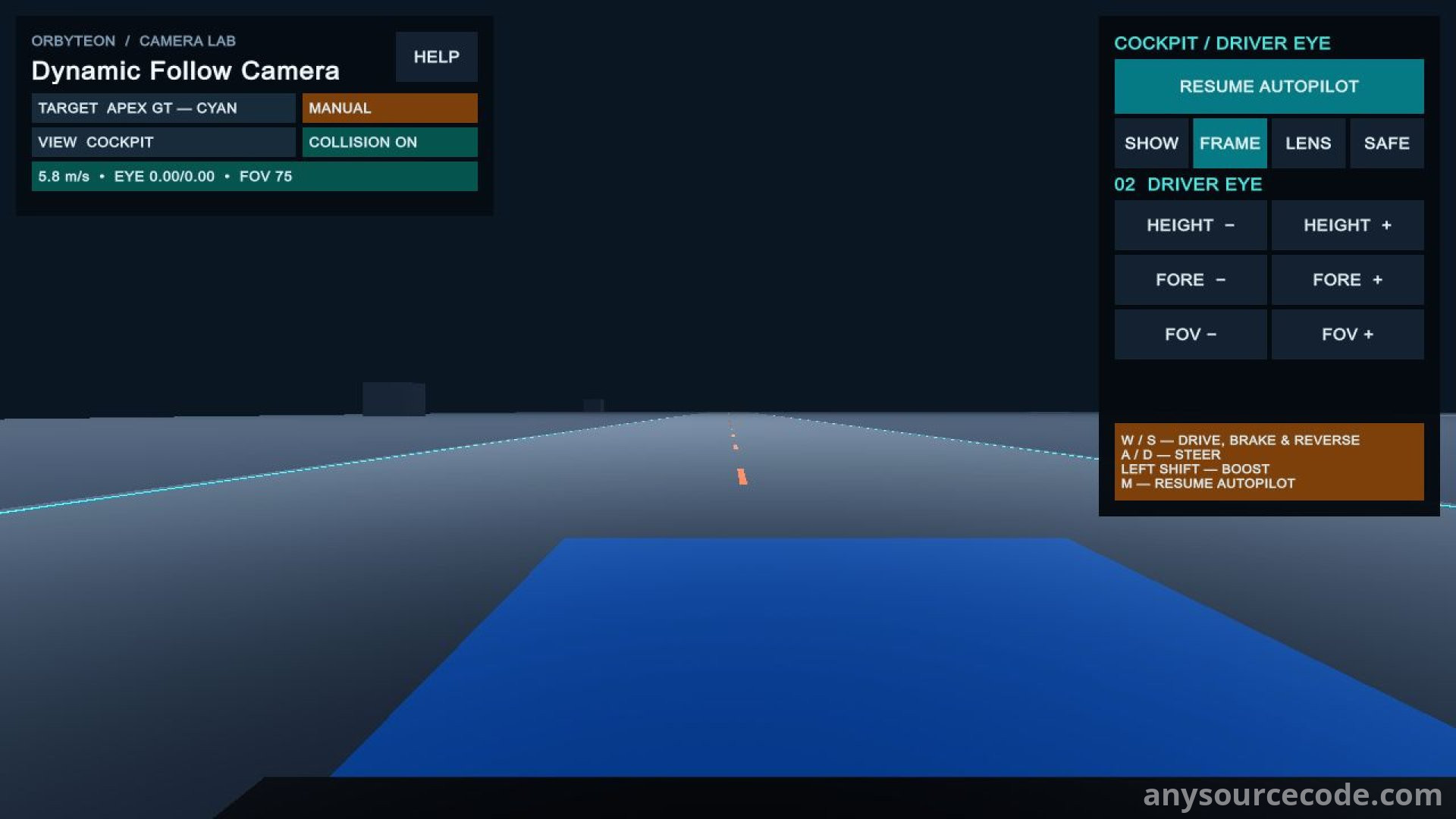
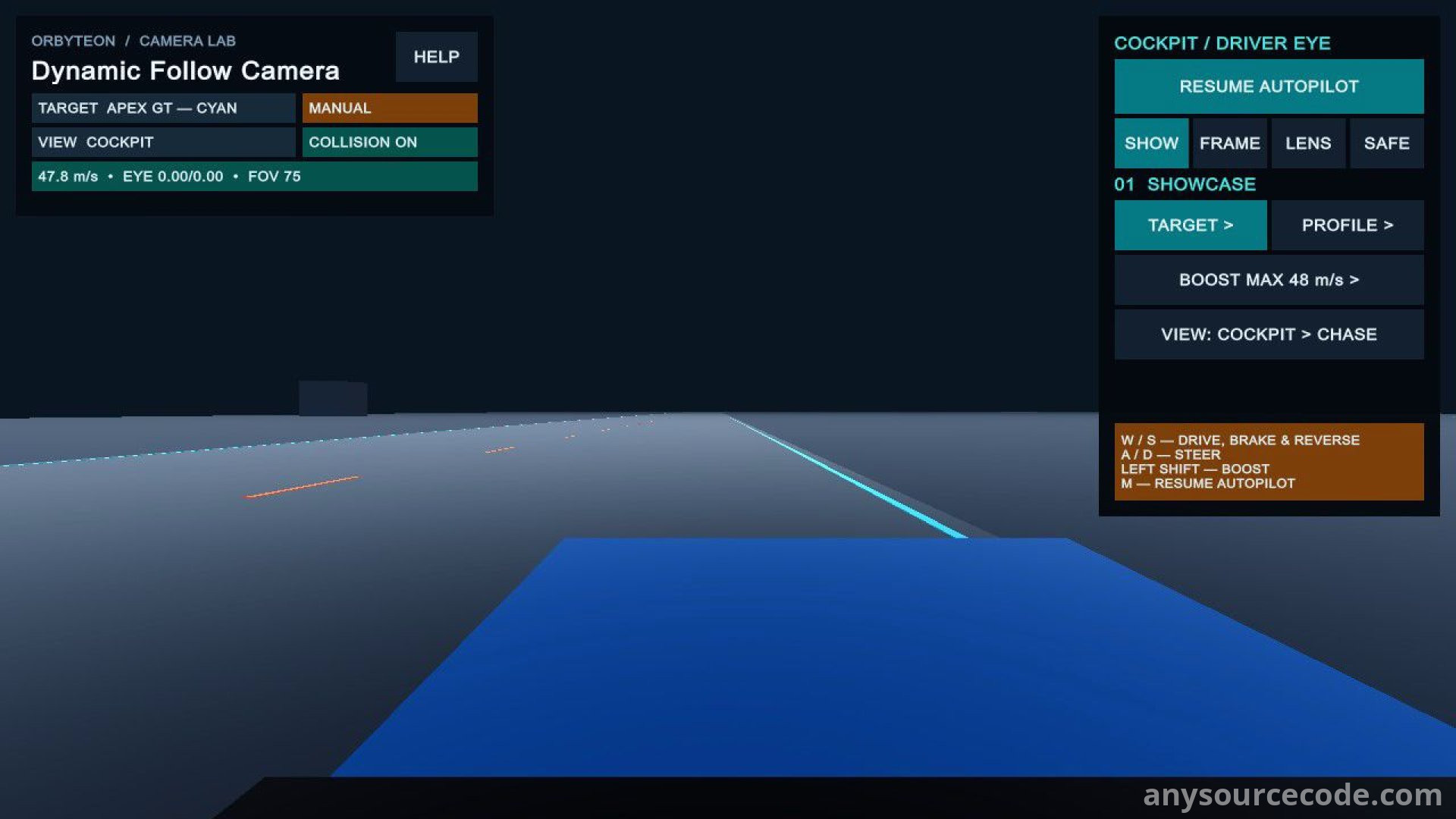
Orbyteon Dynamic Follow Camera is a Unity camera toolkit for building responsive target-following views. Adjust framing around a moving target, add orbit and zoom controls, and manage obstructions with protective camera placement and smooth recovery. A primitive-based driving scene demonstrates the toolkit through Chase and Cockpit views.
Connect the camera to Transform targets, Rigidbody motion or motion data supplied by your own gameplay code. Your existing input and vehicle systems remain in control, while public APIs accept orbit, zoom, speed and boost data. Reusable profiles and preview-based Editor tools support setup and tuning. This is a camera toolkit with a demonstration scene, not a complete racing game or a replacement vehicle controller.
Features:
- Editable C# code for adapting the camera toolkit to your project.
- Configurable target-relative distance, height, offsets, damping and field of view.
- Motion-responsive framing driven by Rigidbody motion or manually supplied speed and boost data.
- Obstruction handling with immediate protective placement and smooth camera recovery.
- Public APIs for orbit, recentering and transient runtime-distance adjustments.
- Transform, Rigidbody and Manual motion providers, plus APIs for extending provider behavior.
- Input-independent camera core that does not poll devices or take control of your vehicle controller.
- Reusable Camera Profiles that copy settings by value into local camera configurations.
- Custom Inspector and validation tools for camera configuration.
- Preview-first Setup Wizard that can configure an existing camera or create a new rig.
- Review planned setup changes before applying them, with Undo support after a successful Apply operation.
- Setup workflow that leaves scene and prefab saving under your control.
- Primitive-based Universal Render Pipeline driving demo with the pipeline assigned in Graphics and Quality settings.
- Demo that starts in Autopilot and also supports keyboard-driven Manual mode.
- Per-vehicle Chase/Cockpit switching and reusable demo profiles.
- Adjustable cockpit driver-eye position and field of view.
- Selectable Manual-mode boost limits in the driving demo.
- Demo keyboard driving through Input Manager (Old), or Both when configured; Input-System-only projects require your own mappings, with no ready-made Input Actions included.
- English Quick Start, Manual, runtime API, installation, compatibility and troubleshooting documentation.
Platform:
Platform details to be confirmed
No reviews found!











No comments found for this product. Be the first to comment!