



Overview:
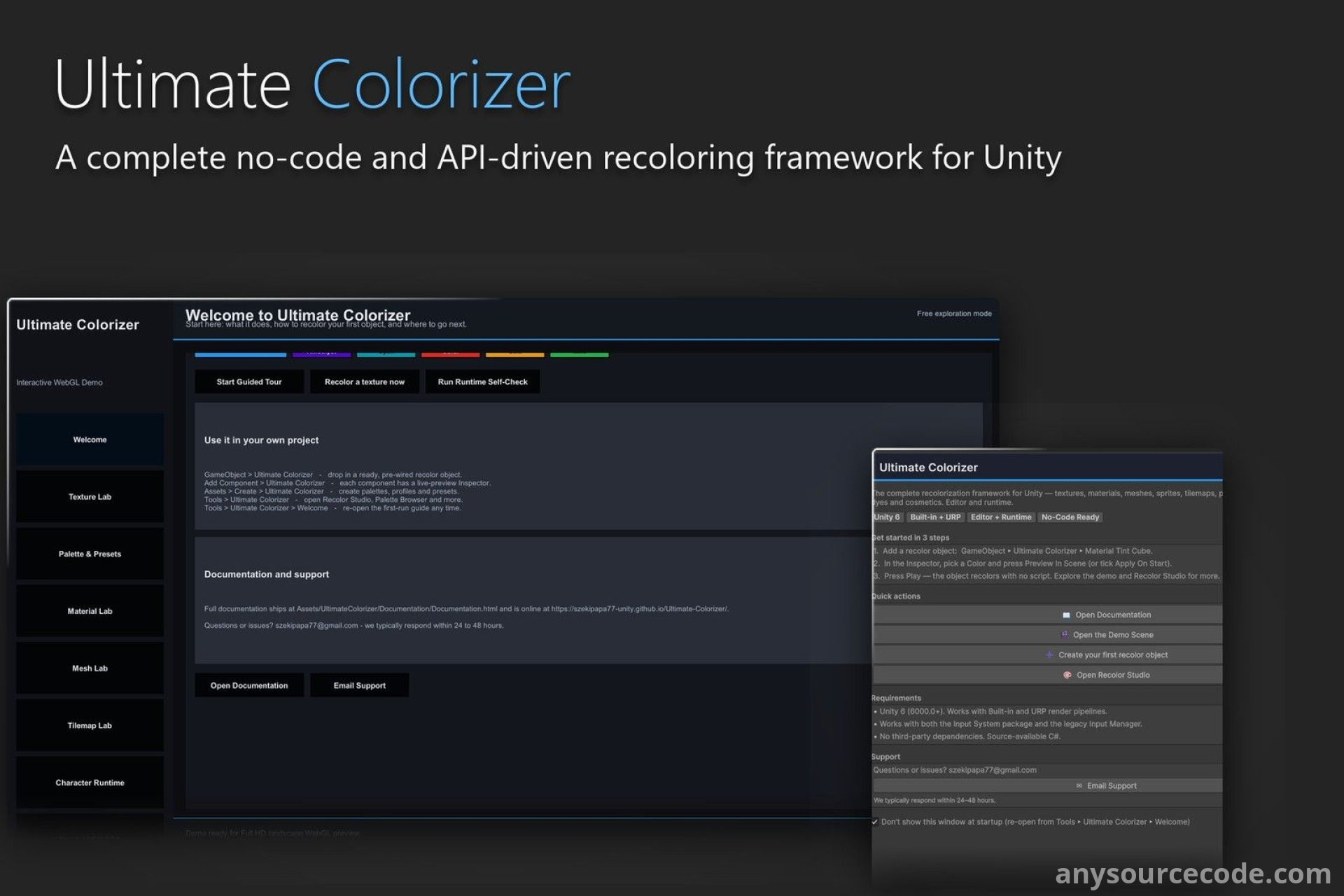
Ultimate Colorizer is a Unity toolkit for creating reusable color variations without altering your original artwork. Set up a RecolorProfile, then apply it to textures, sprites, materials, meshes, Tilemaps, or character cosmetics through components, Editor tools, batch workflows, or the C# API.
Use it to build faction palettes, rarity variants, outfit dyes, customized characters, and reskinned environments. Texture processing creates new copies, runtime material tinting avoids changing shared materials, and Tilemap colors are assigned per cell—so one asset can have different looks in different places.
Features:
- Apply reusable RecolorProfiles through no-code components, Editor tools, batch processing, or the documented C# API.
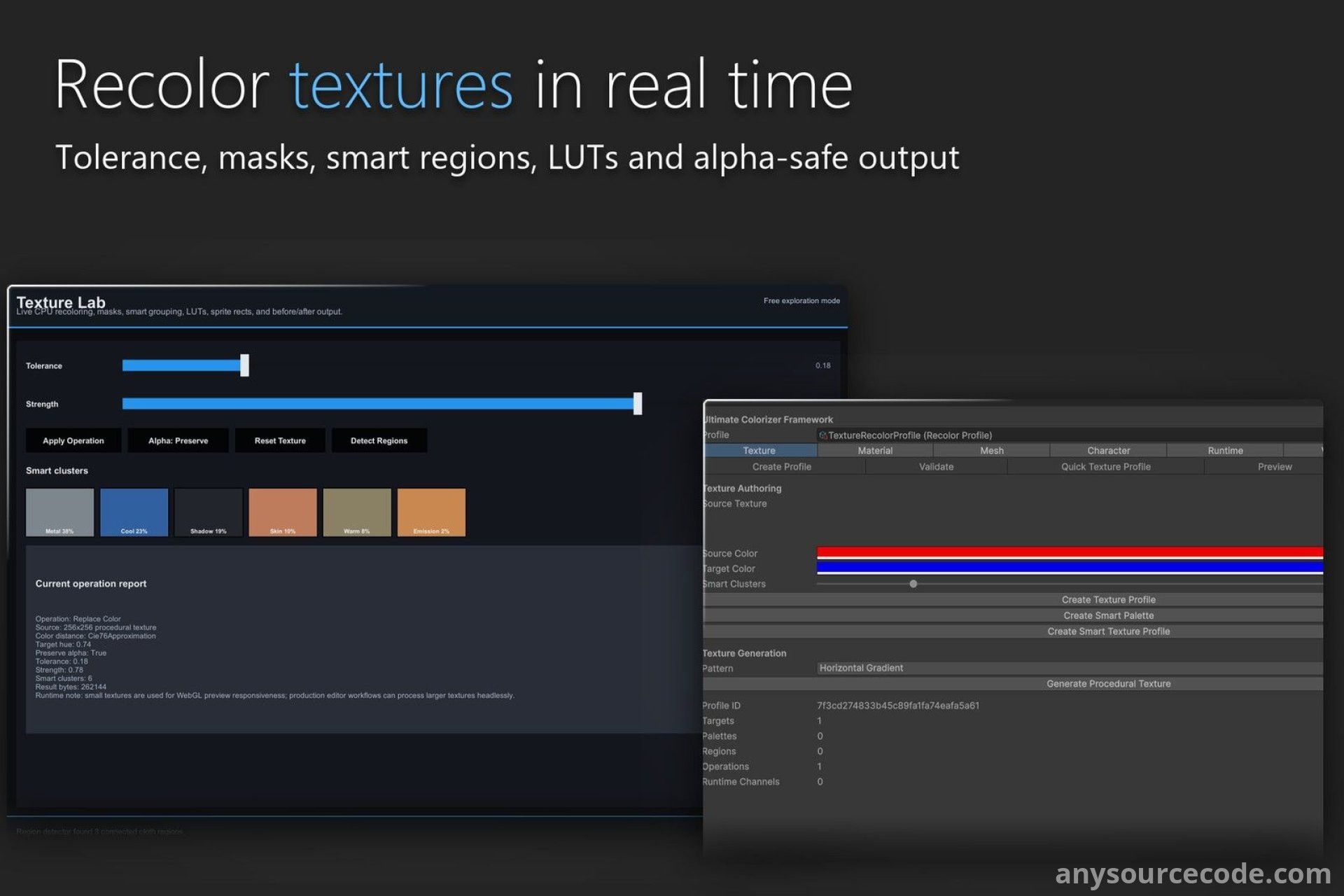
- Recolor textures and sprites with color replacement, palette remapping, HSV adjustments, tinting, gradients, LUTs, and other operations.
- Recolor sprite rectangles and sprite sheets, and generate contact sheets.
- Create and combine masks with threshold, channel, UV-rectangle, dilation, and erosion operations.
- Process textures locally on the CPU for repeatable outputs from the same source and settings.
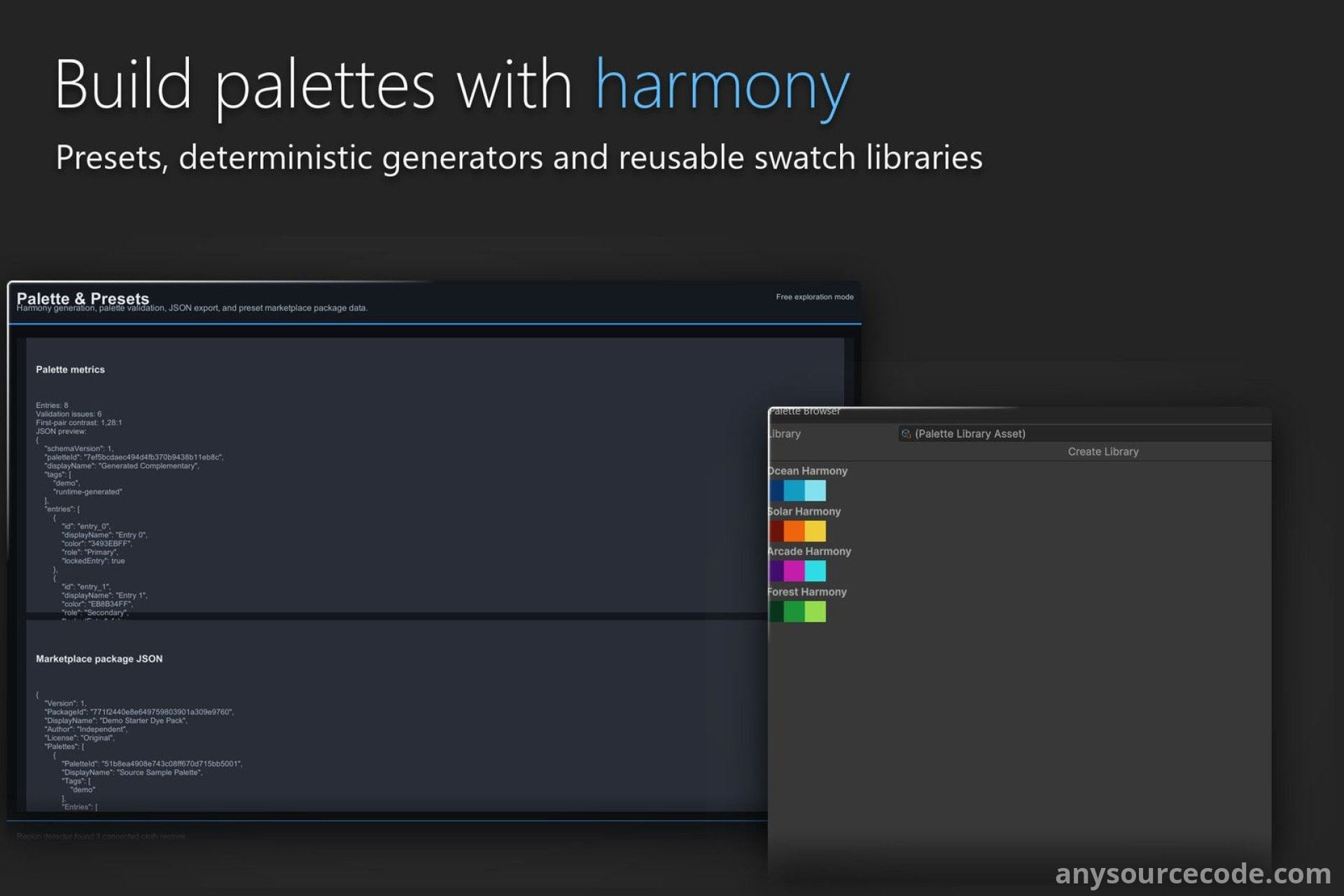
- Build named, role-tagged PaletteAssets with contrast checks, duplicate validation, and ten palette-generation modes.
- Analyze dominant texture colors and classify them into practical roles such as skin, cloth, metal, shadows, and highlights.
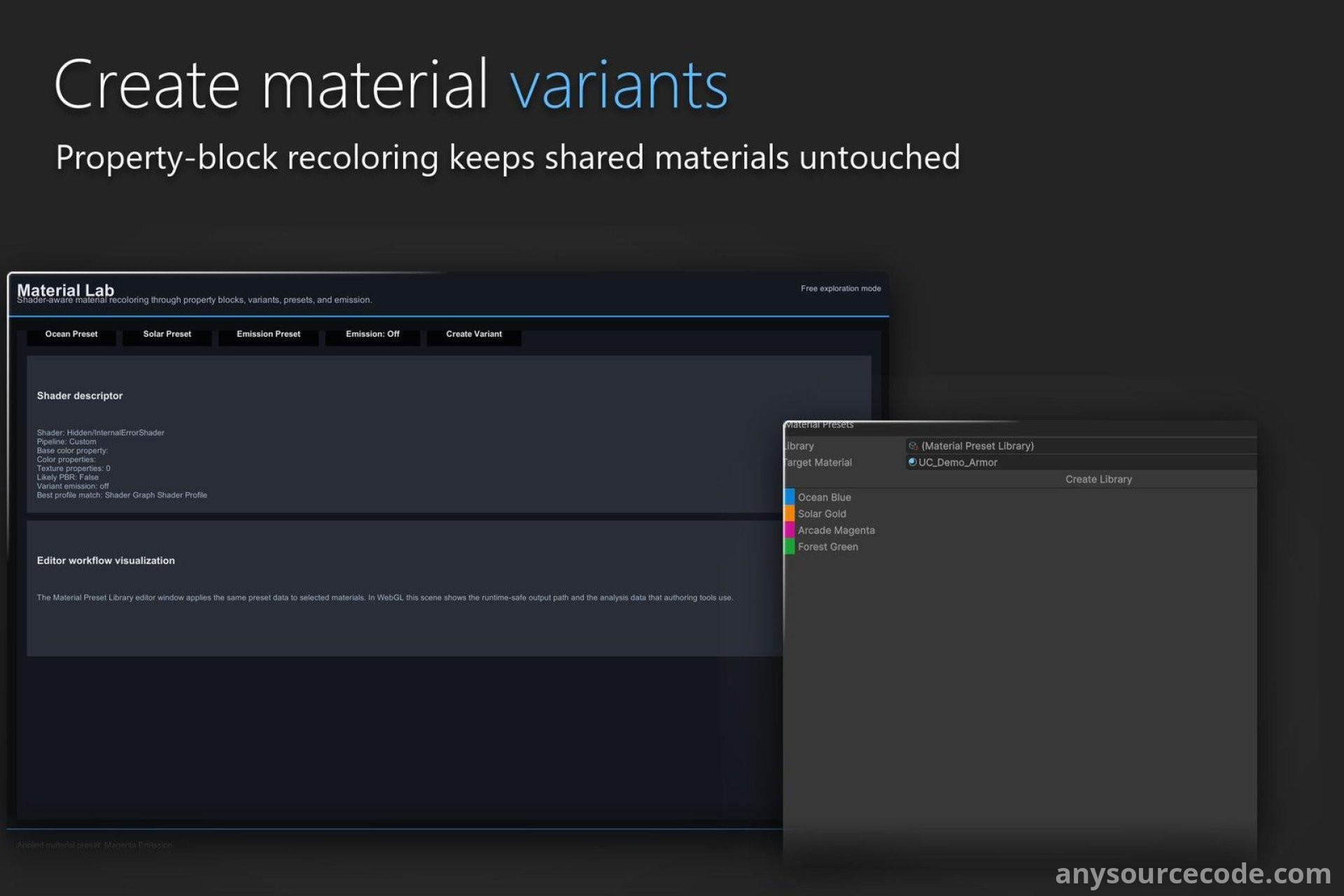
- Analyze shader properties for material recoloring, with profiles for Built-in Standard, URP Lit, HDRP Lit through adapters, and Shader Graph.
- Tint runtime materials without mutating shared materials, or create separate material variants and reusable presets.
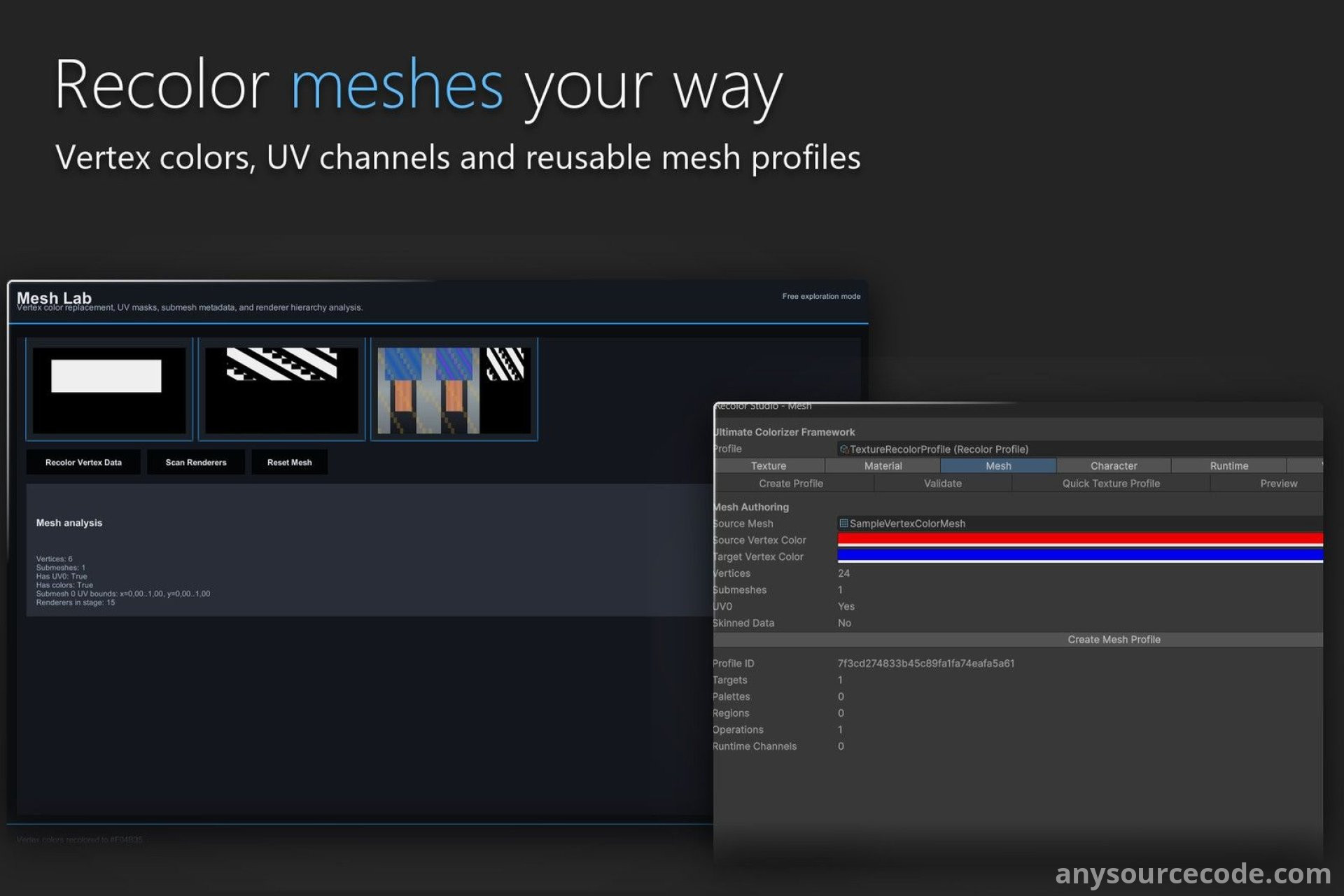
- Use mesh tools for vertex-color replacement, UV data, submesh descriptors, material-slot maps, channel maps, skinned meshes, and renderer-hierarchy scanning.
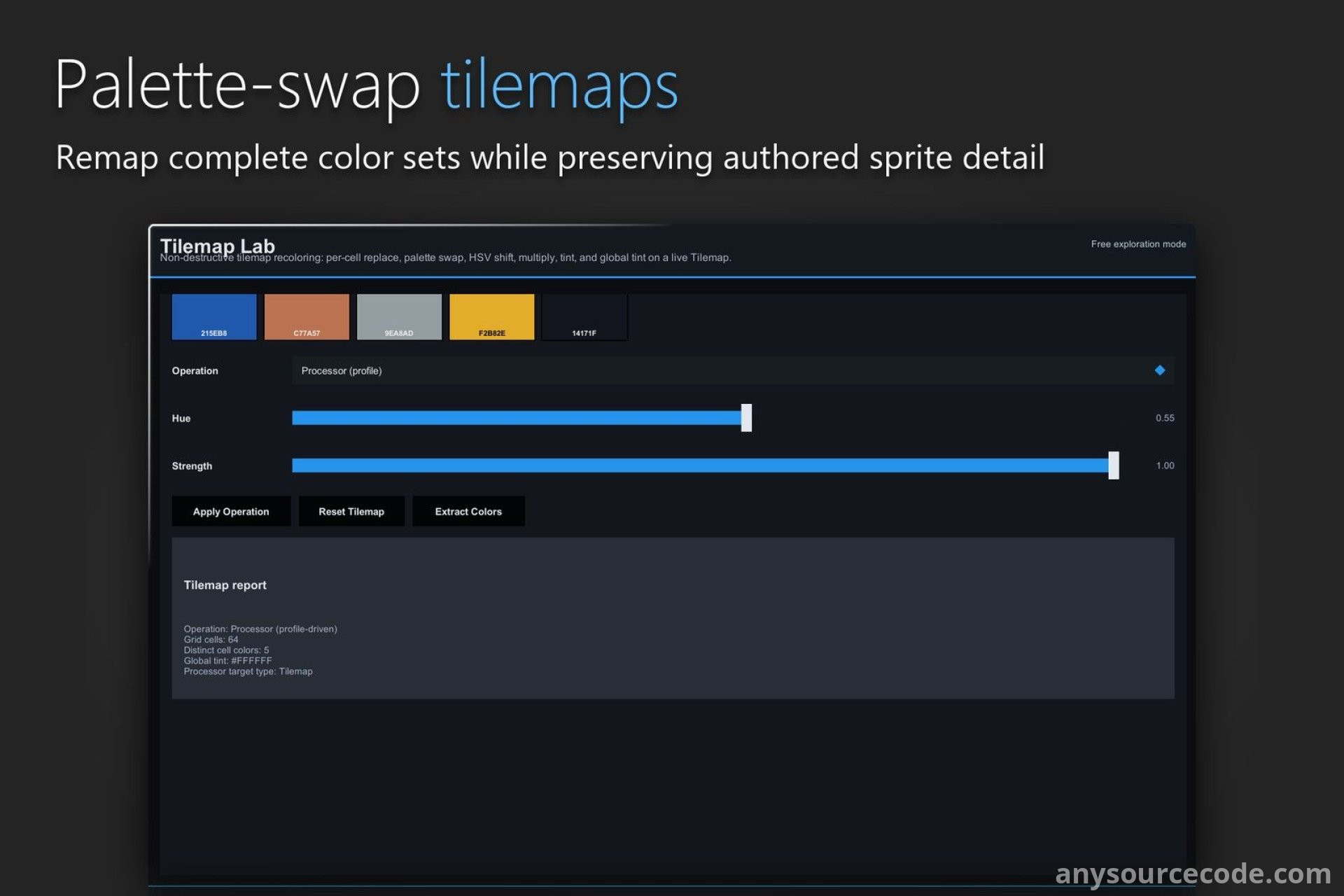
- Recolor Tilemaps with per-cell changes, palette swaps, HSV shifts, tinting, and color extraction.
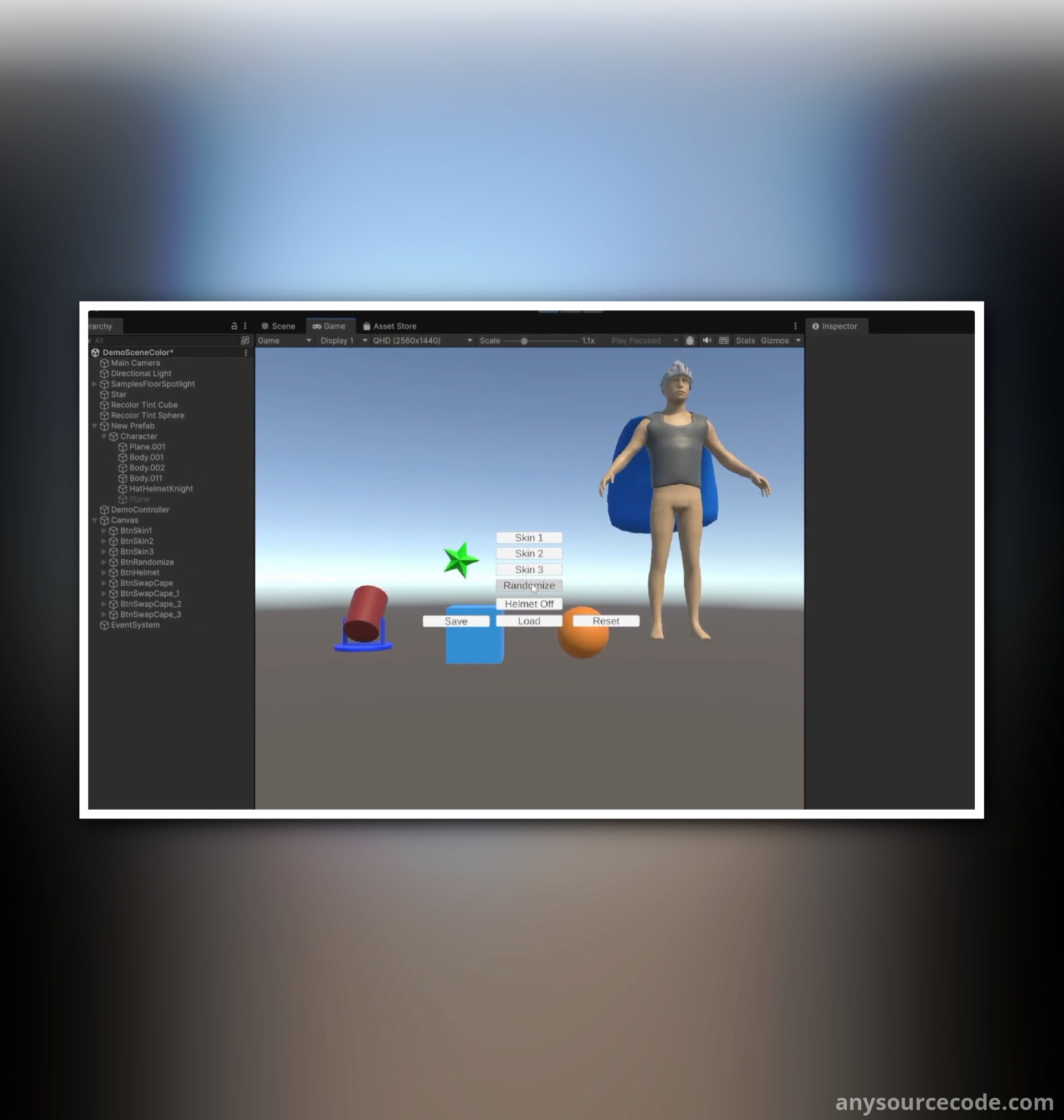
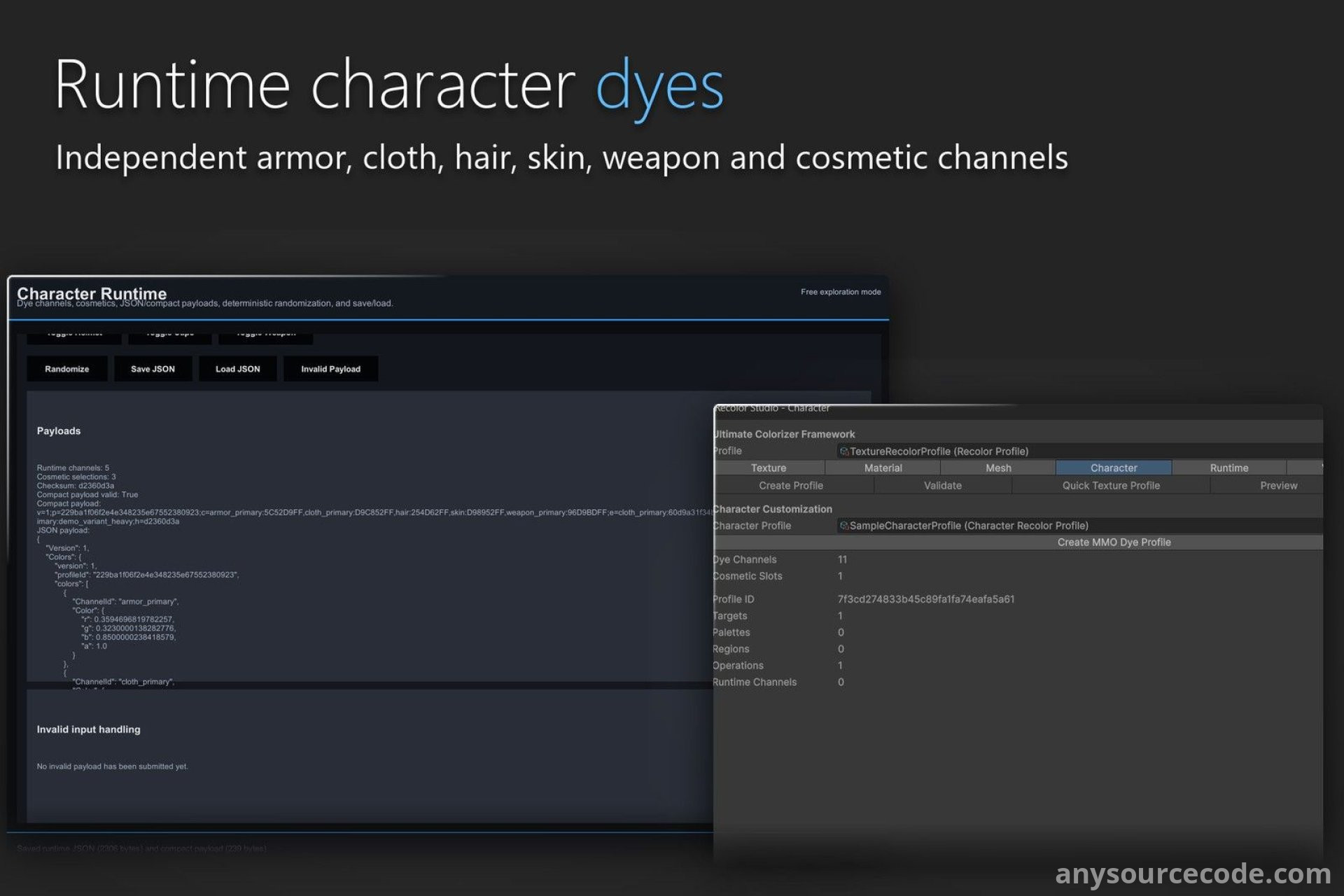
- Create character dye channels with renderer bindings and palette-constrained color choices.
- Set up cosmetic slots that toggle GameObjects, save looks with PlayerPrefs, and connect uGUI sliders.
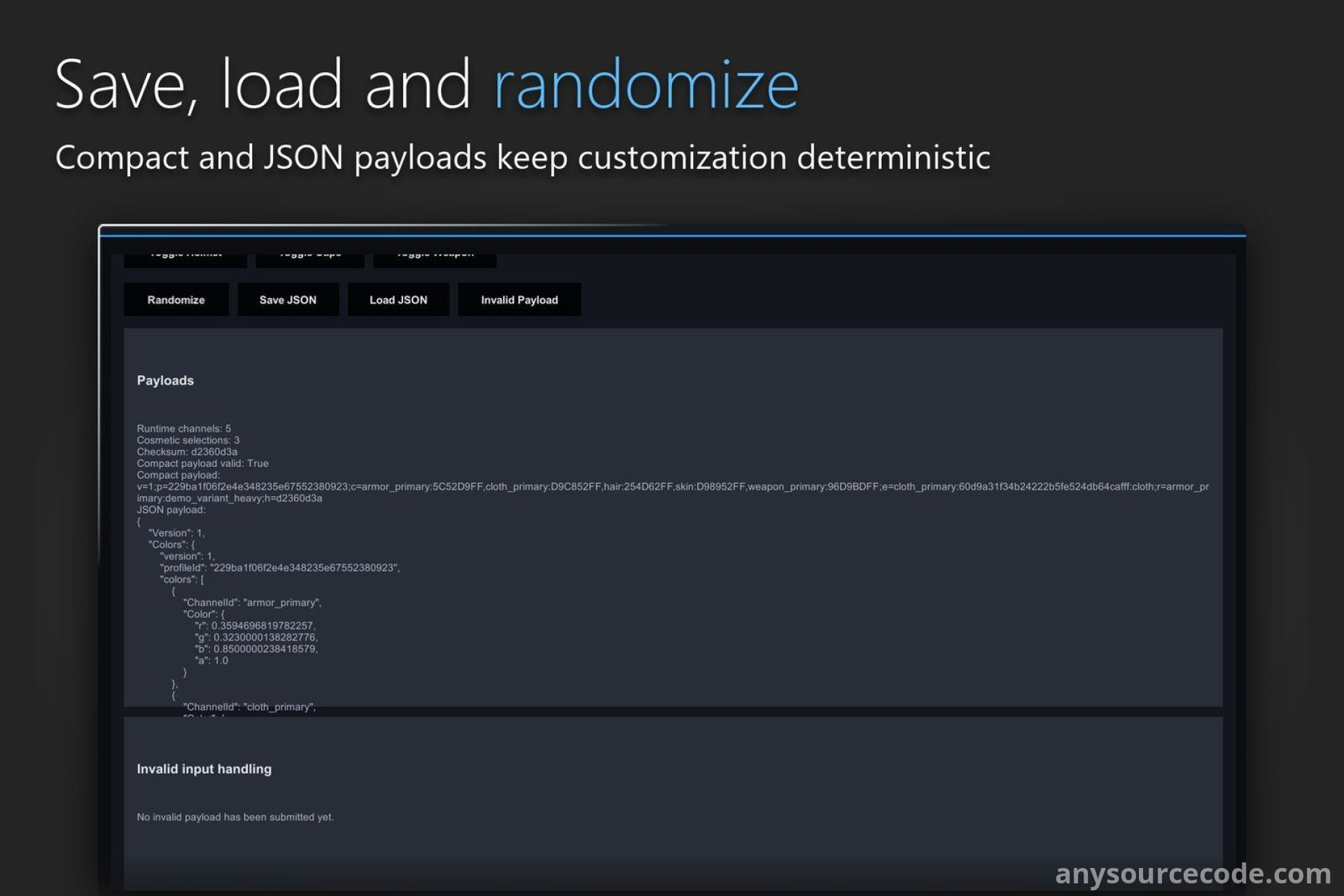
- Randomize character looks with seeded results and store state as readable JSON or compact checksum-validated data.
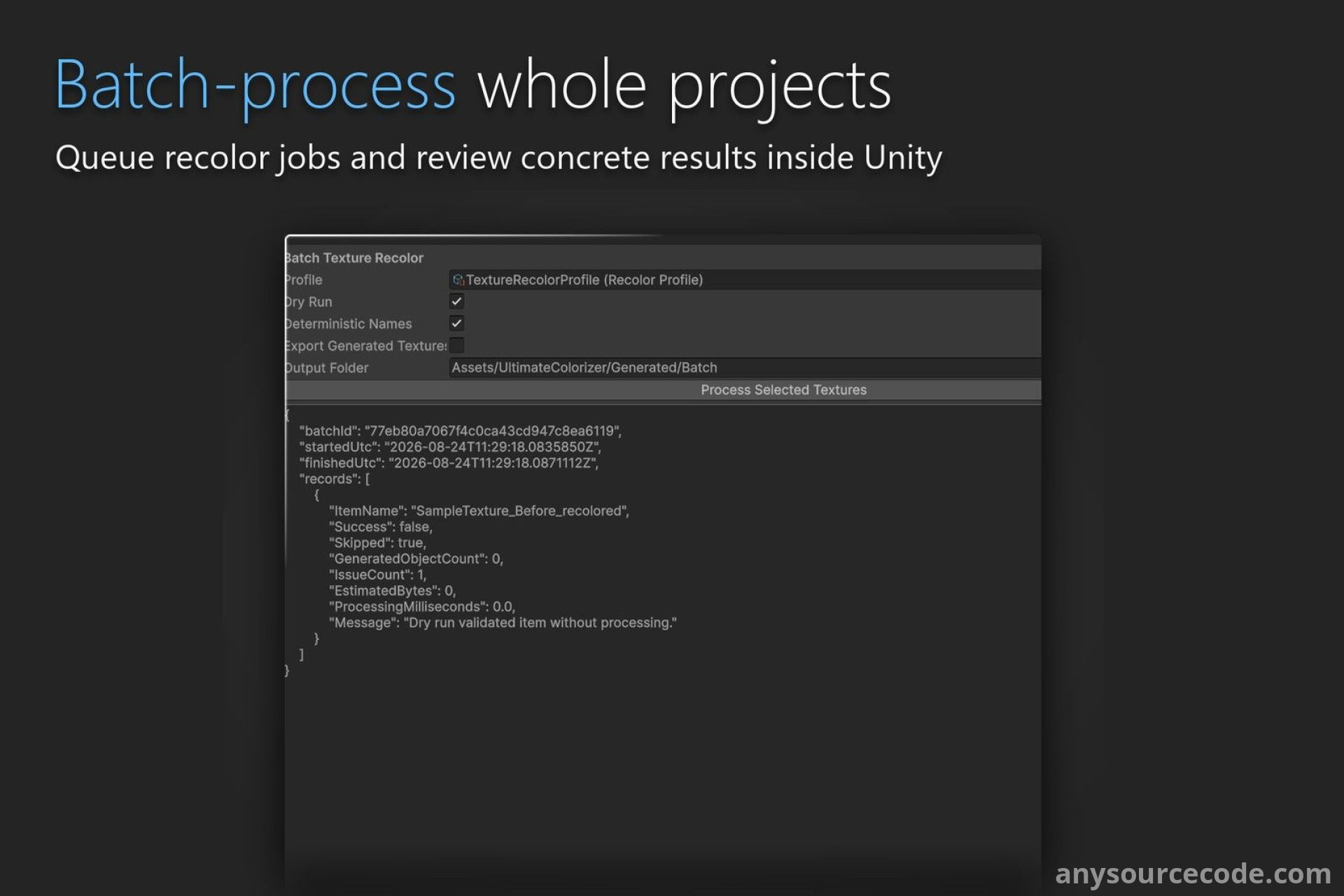
- Batch-process recoloring jobs with deterministic naming, dry runs, progress, cancellation, error reporting, and JSON or CSV reports.
- Extend the toolkit with custom shader profiles, recolor processors, palette generators, and validators.
- Run batch workflows and validation from CI, with test execution support.
- Use Recolor Studio, Palette Browser, Material Preset Library, Batch Processor, Preset Marketplace, and the Welcome window.
- Create ready-wired tint objects and runtime dye controllers from GameObject menu commands, with Undo support.
- Explore eight interactive WebGL labs and five sample scenes covering recoloring, materials, meshes, cosmetics, and character customization.
- Includes EditMode and PlayMode tests for Unity's Test Runner or headless execution.
Platform:
Unity 6000.0
No reviews found!







No comments found for this product. Be the first to comment!