



Overview:
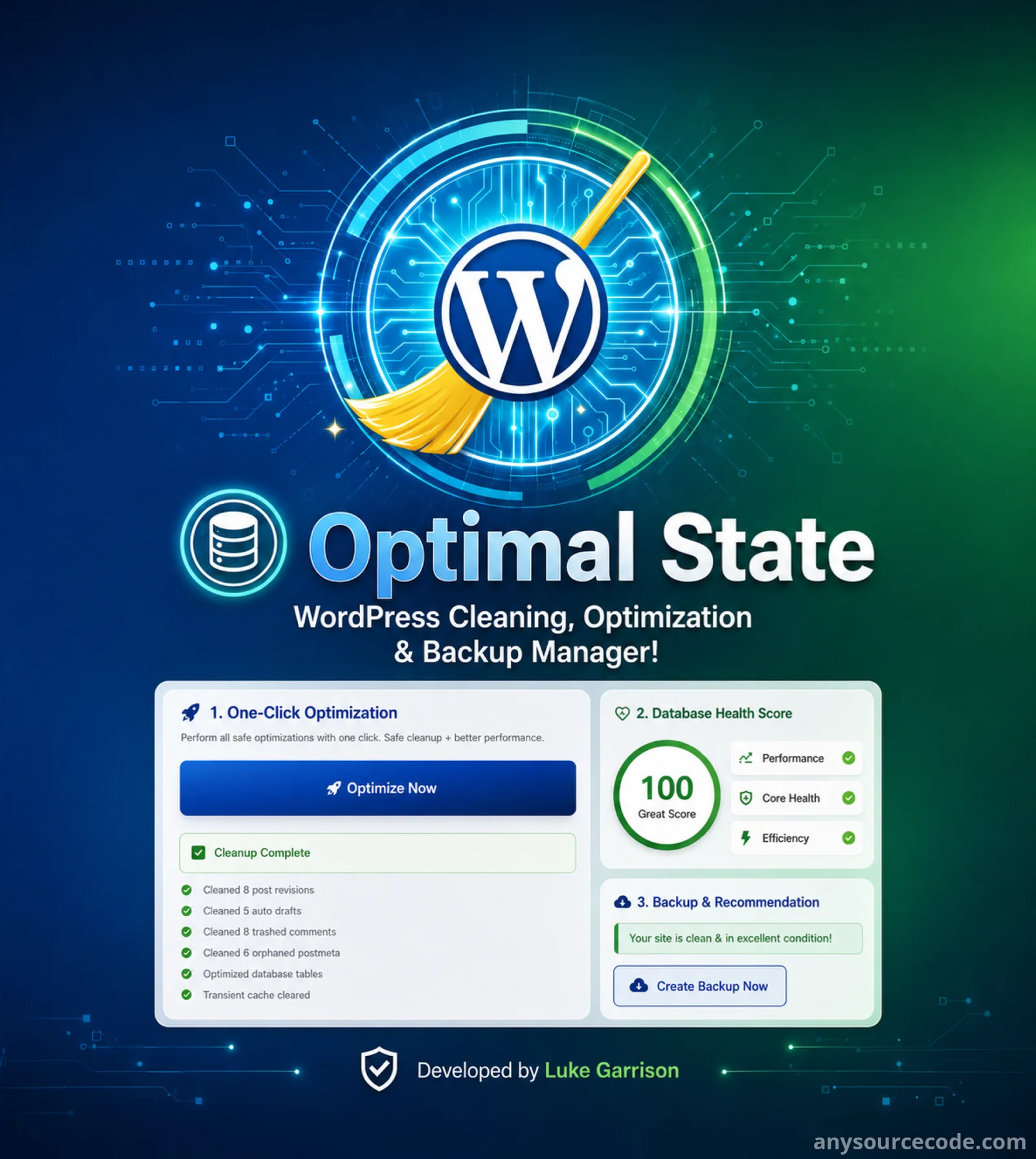
WP Optimal State Pro is a powerful WordPress performance, database cleanup, backup, restore, and security plugin designed to keep your website fast, clean, protected, and reliable.
Instead of using multiple separate plugins for caching, database optimization, backup, restore, security, and diagnostics, WP Optimal State Pro combines these essential tools into one complete WordPress site optimization solution.
Over time, WordPress websites collect unnecessary data such as post revisions, spam comments, expired transients, orphaned metadata, WooCommerce sessions, old logs, and unused database overhead. This can slow down your website, increase server load, and affect performance scores.
WP Optimal State Pro helps solve these issues by cleaning and optimizing your database, improving caching performance, creating safe backups, supporting restore and rollback options, and giving you advanced tools to monitor and protect your WordPress installation.
This plugin is ideal for website owners, developers, agencies, bloggers, WooCommerce stores, and anyone who wants a cleaner, faster, and safer WordPress website.
Features:
- WordPress database cleaning and optimization
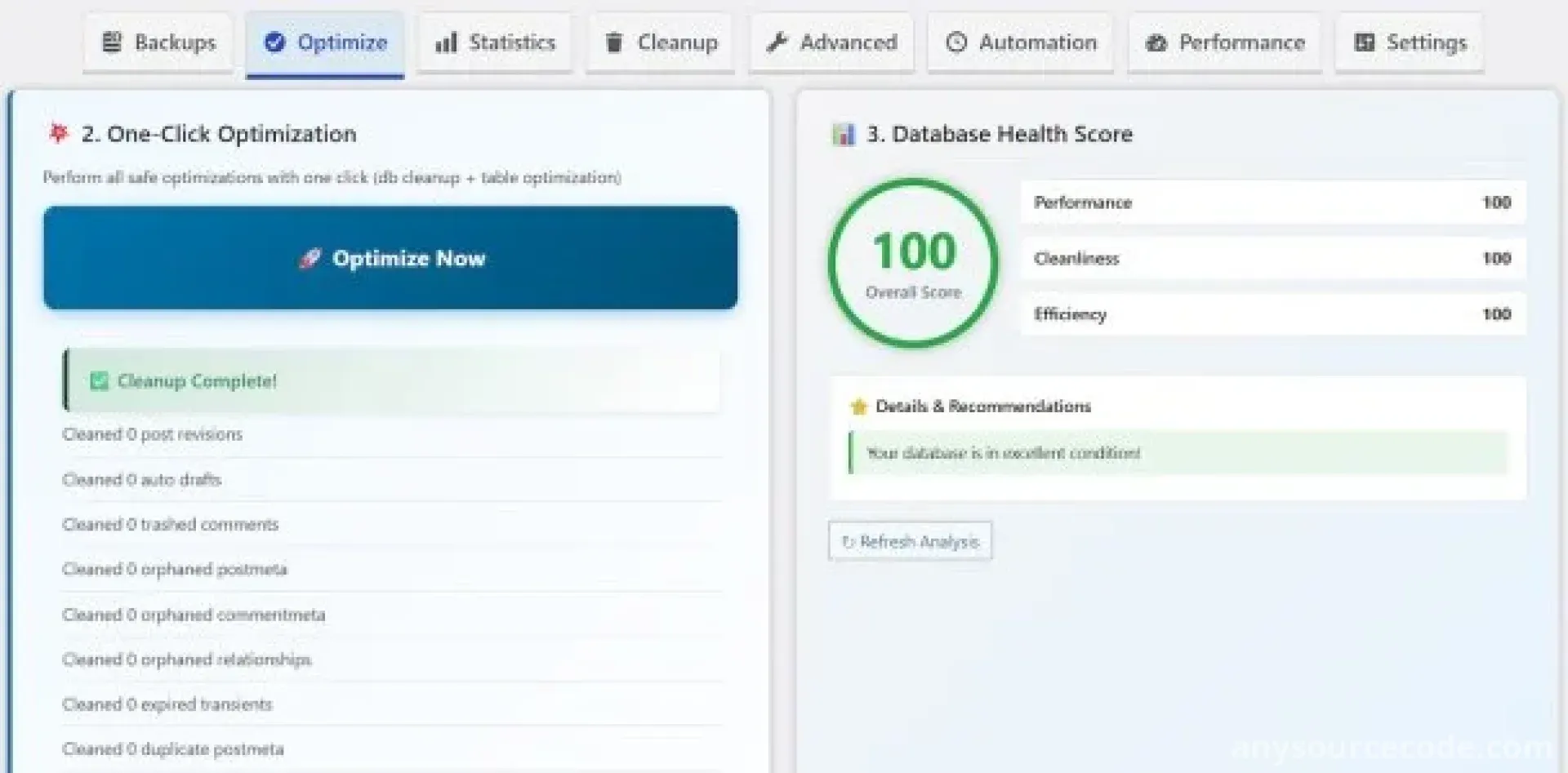
- One-click optimization system
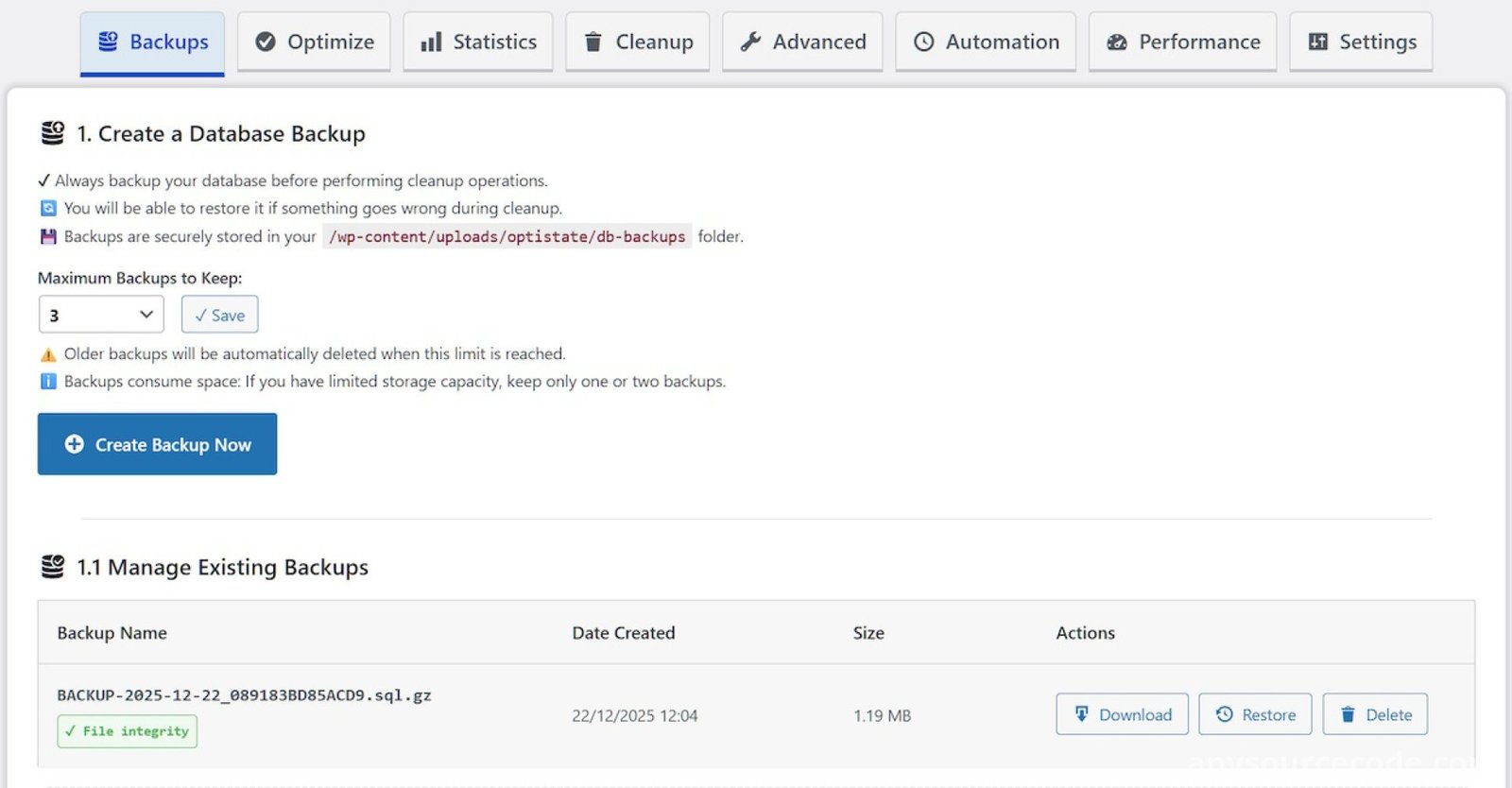
- Database backup and restore tools
- Automatic safety backup before restore
- Emergency rollback support
- Temporary table swap for safer restore process
- Database health score system
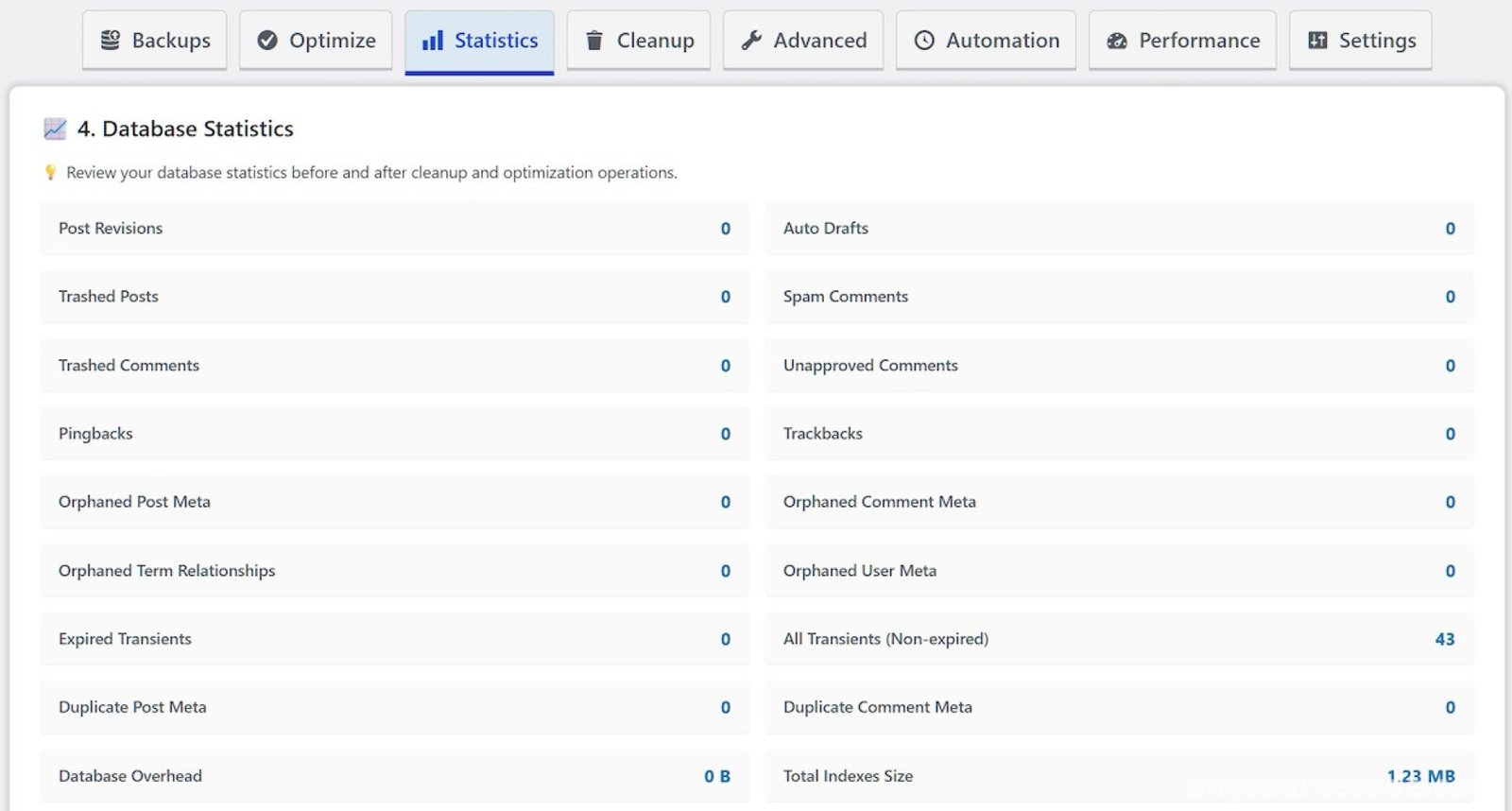
- Database statistics and optimization history
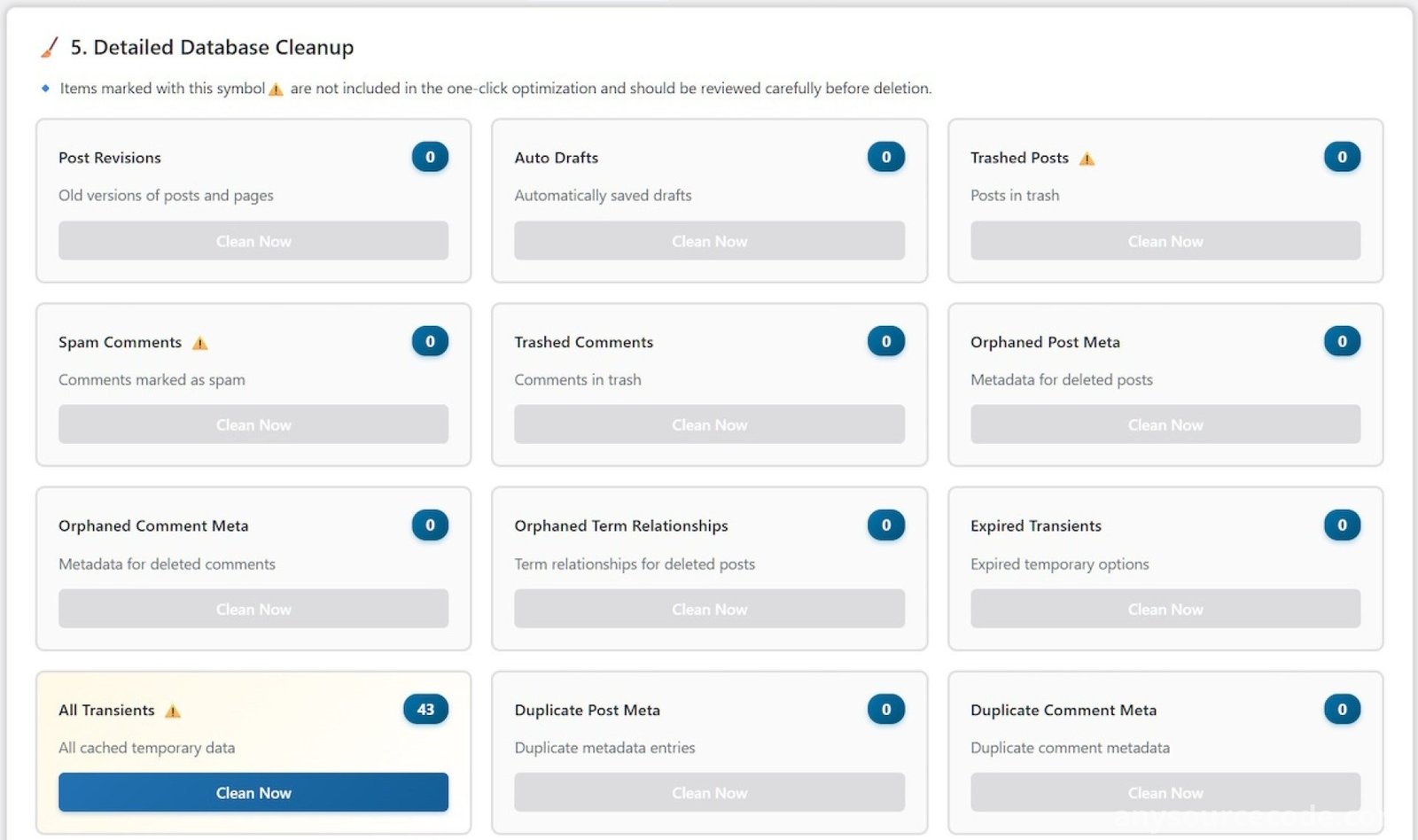
- Detailed database cleanup with multiple cleanup types
- Clean post revisions, auto-drafts, trashed content, spam comments, and pingbacks
- Remove orphaned post meta, comment meta, user meta, and term relationships
- Clear expired transients safely
- WooCommerce session and log cleanup
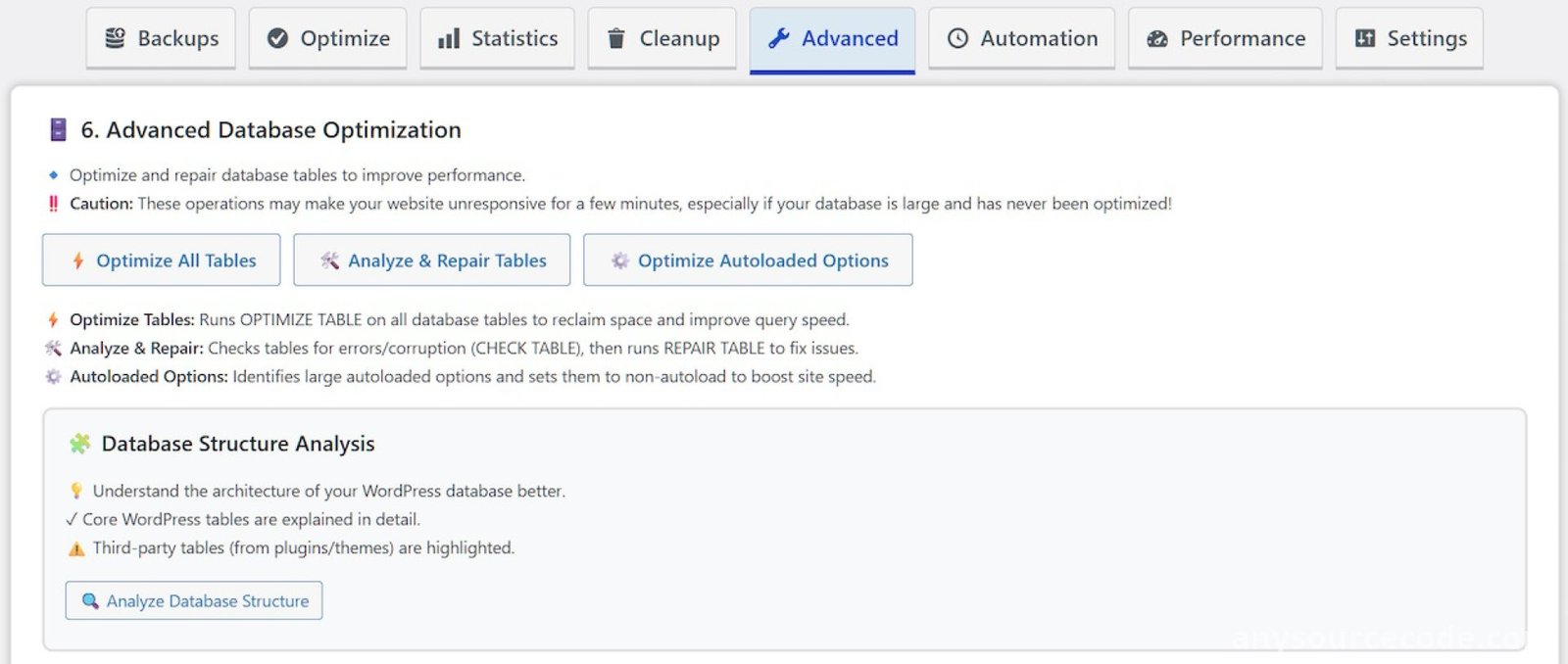
- Optimize database tables
- Analyze and repair database tables
- Autoloaded options optimization
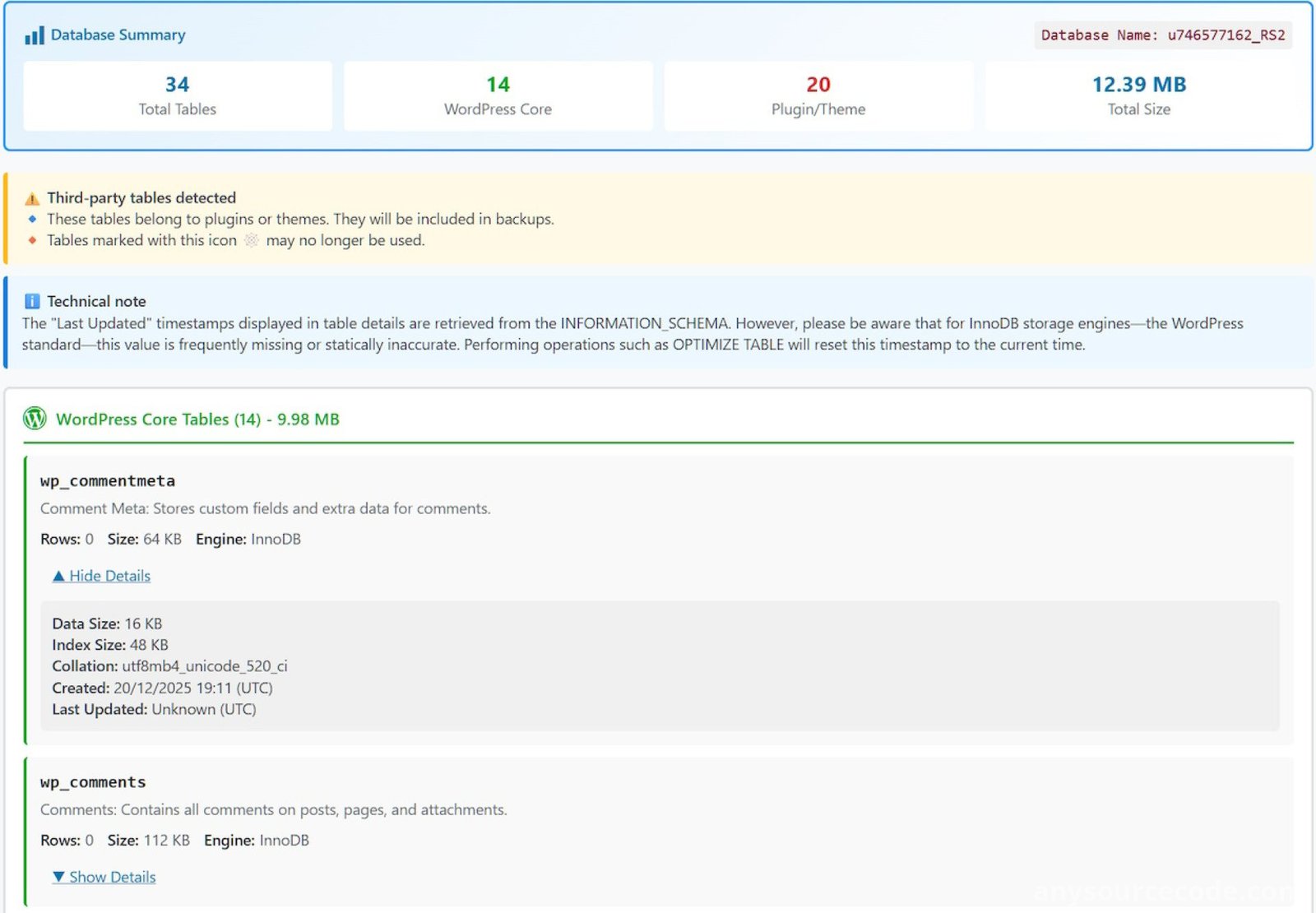
- Database structure analysis
- MySQL index manager
- Referential integrity scanner
- Legacy plugin data scanner
- Delete unused database tables
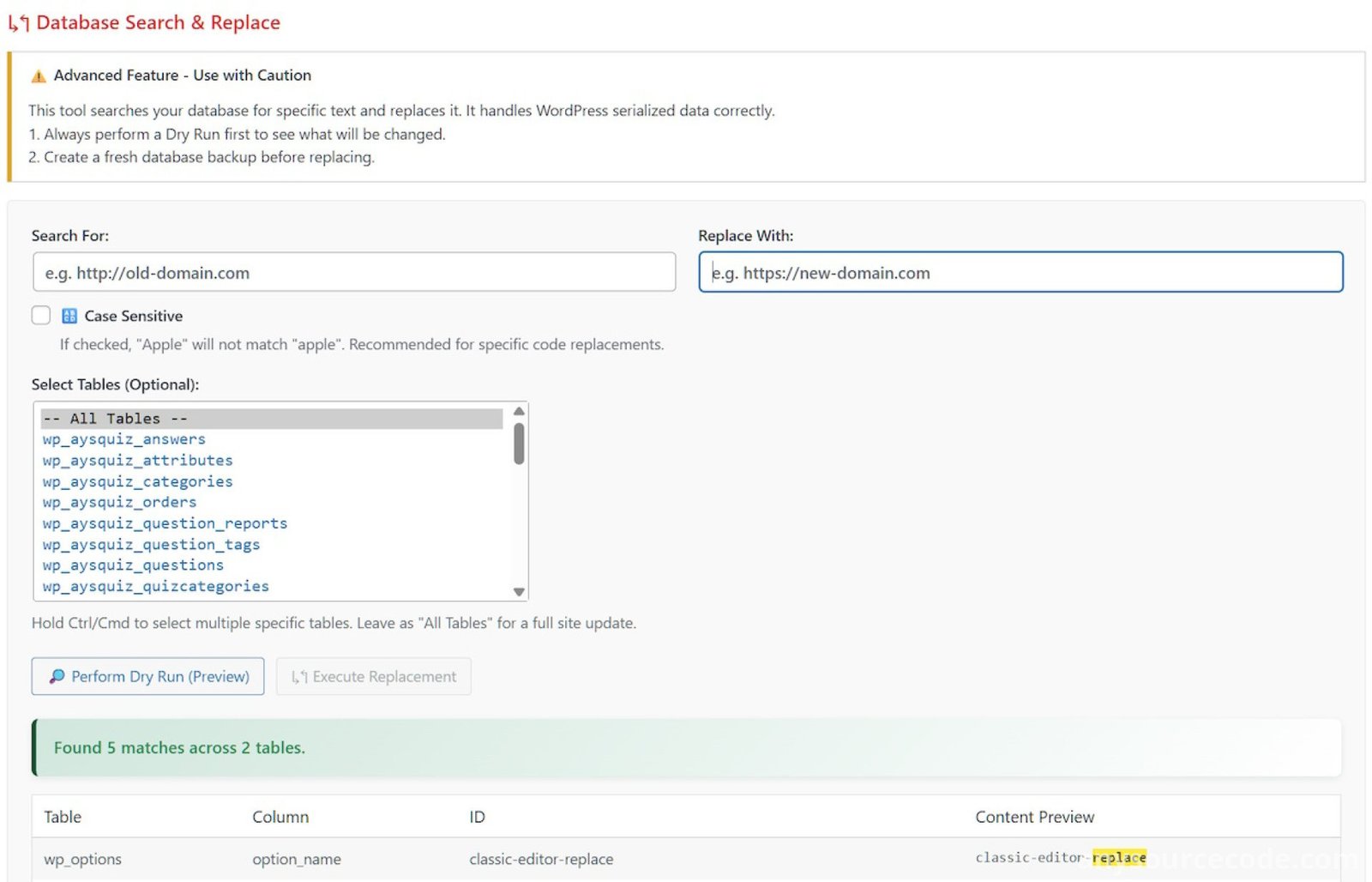
- Database search and replace tool
- Dry-run support for safer database changes
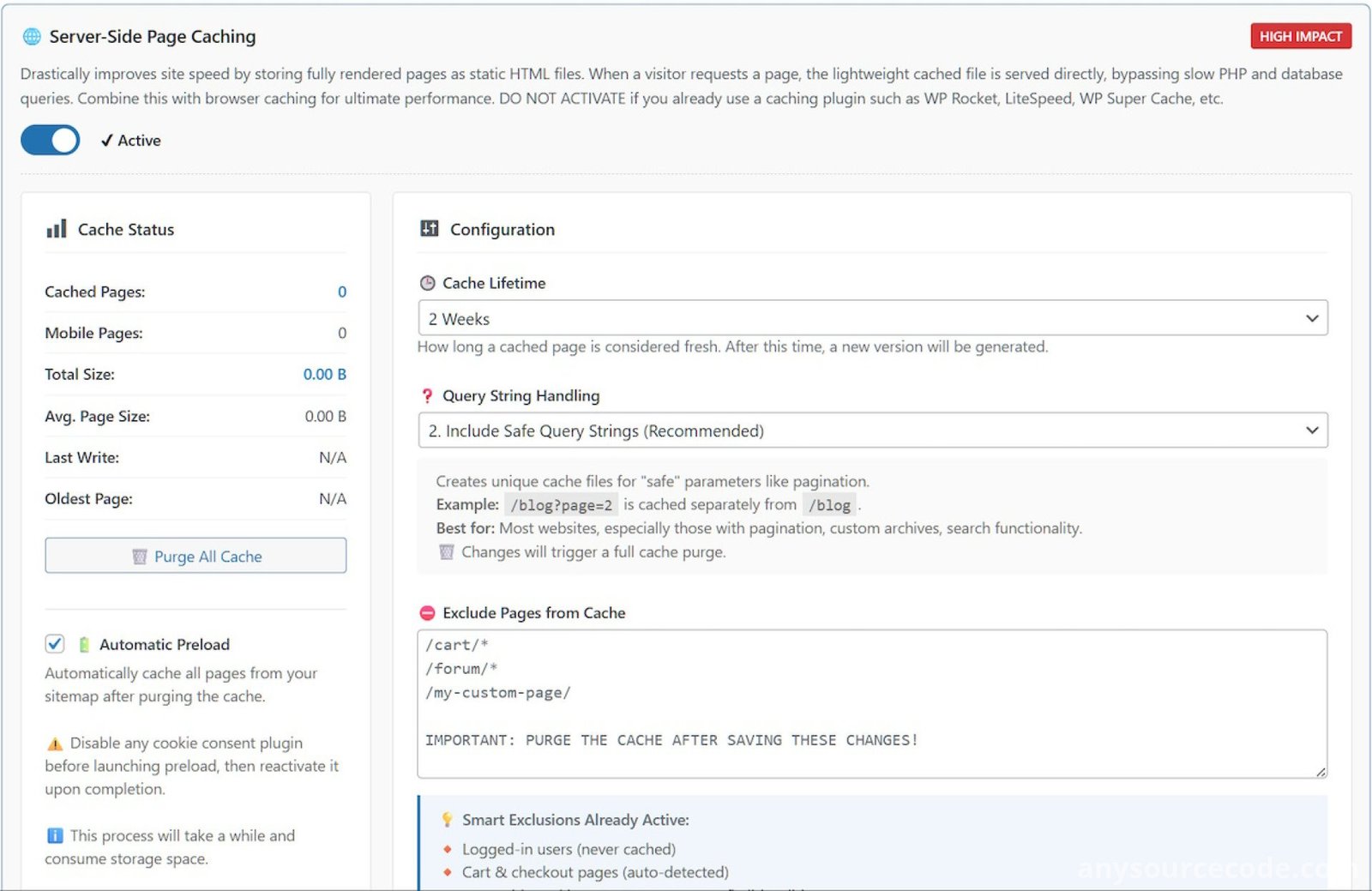
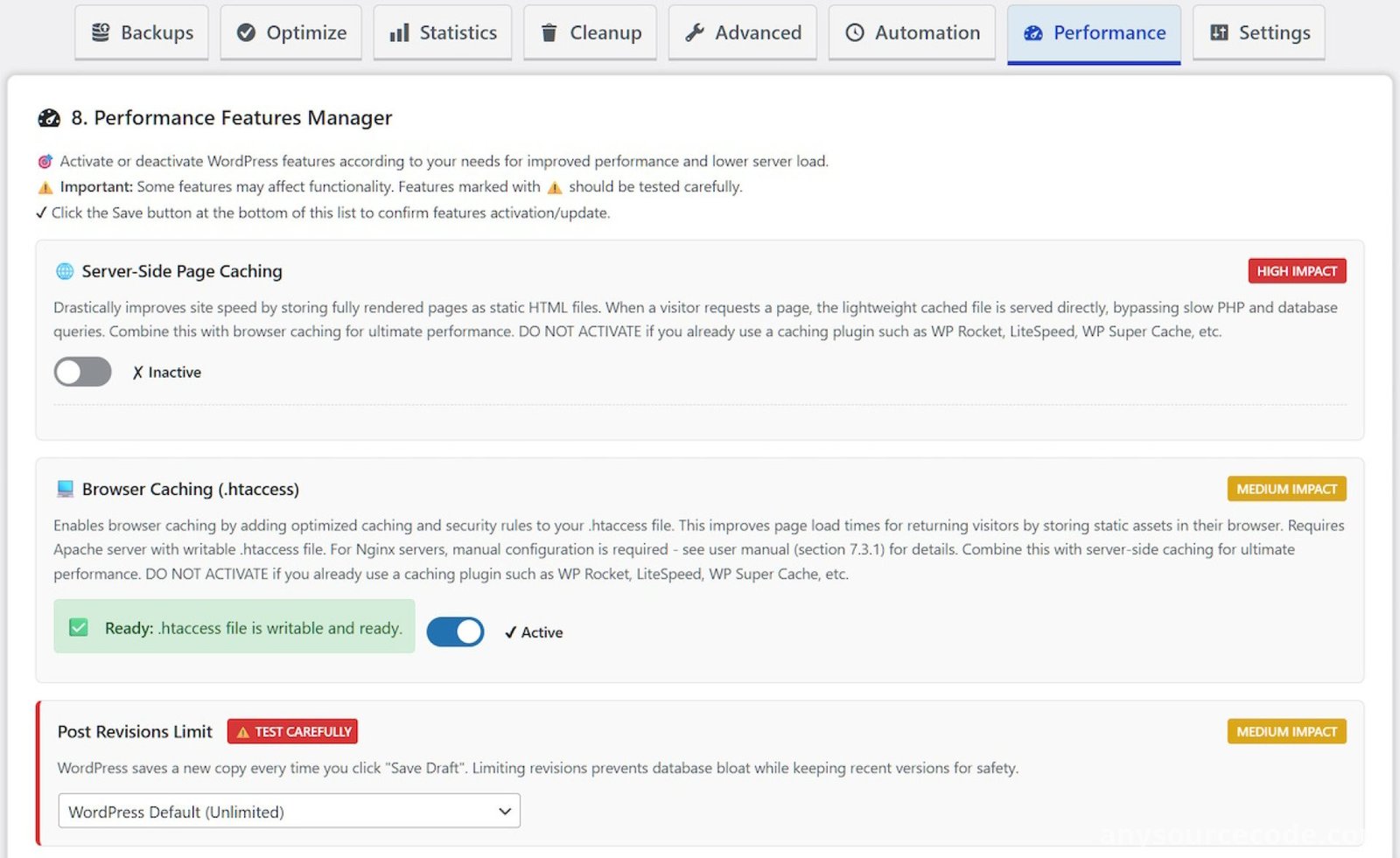
- Server-side page caching
- Browser caching with .htaccess rules
- Cache purging system
- Cache statistics
- Automatic sitemap-based cache preload
- Mobile-specific cache support
- Smart cache invalidation when content is updated
- Query string handling modes
- Database query caching with Redis or Memcached support
- GZIP and Brotli compression support
- Font loading optimization
- Lazy load images and iframes
- Post revision limit control
- Trash auto-empty control
- Heartbeat API control
- Disable XML-RPC option
- Remove emoji scripts
- Remove unused WordPress headers
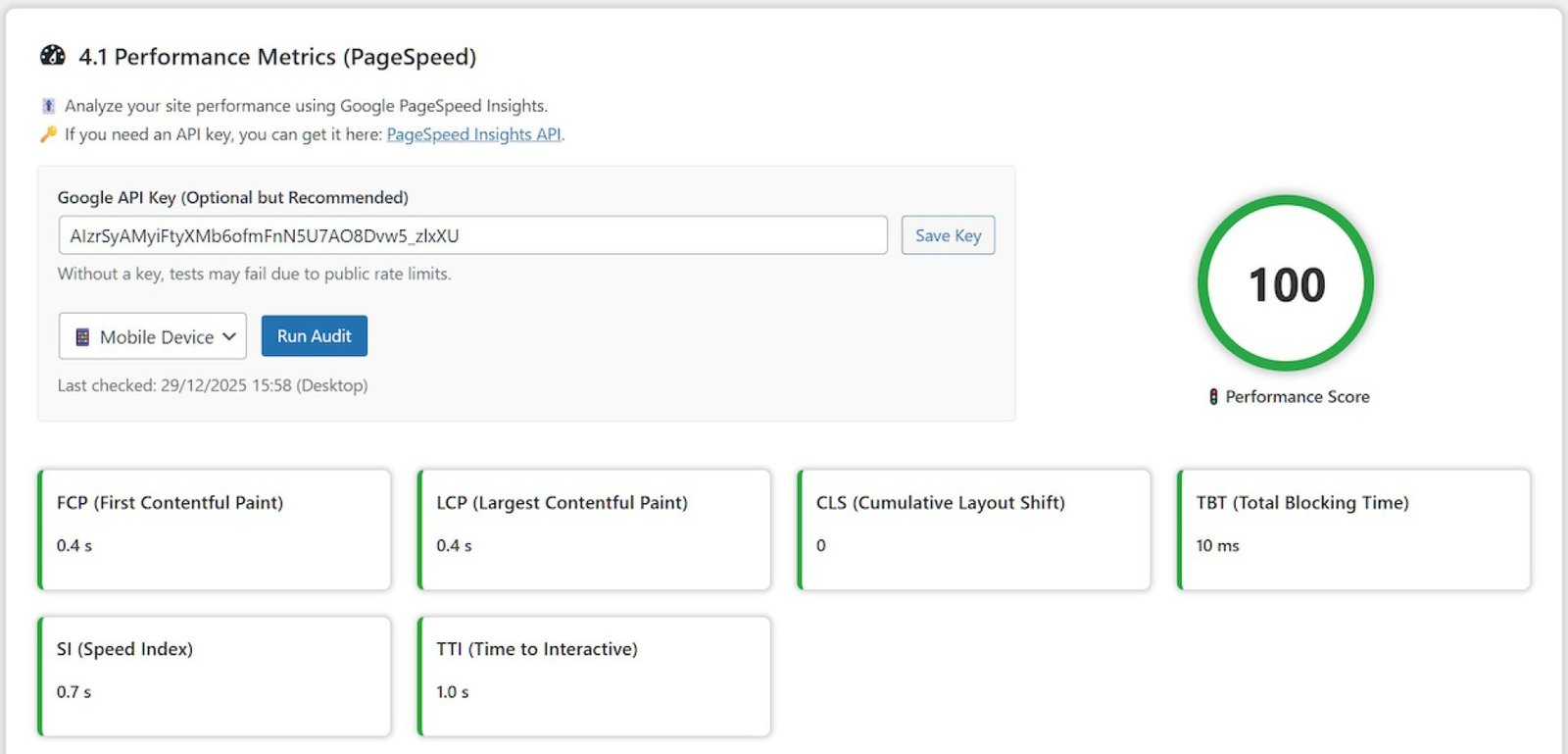
- Integrated PageSpeed metrics
- Bad bot blocker
- Brute force protection
- SQL firewall and restore safety checks
- Protected backup directory
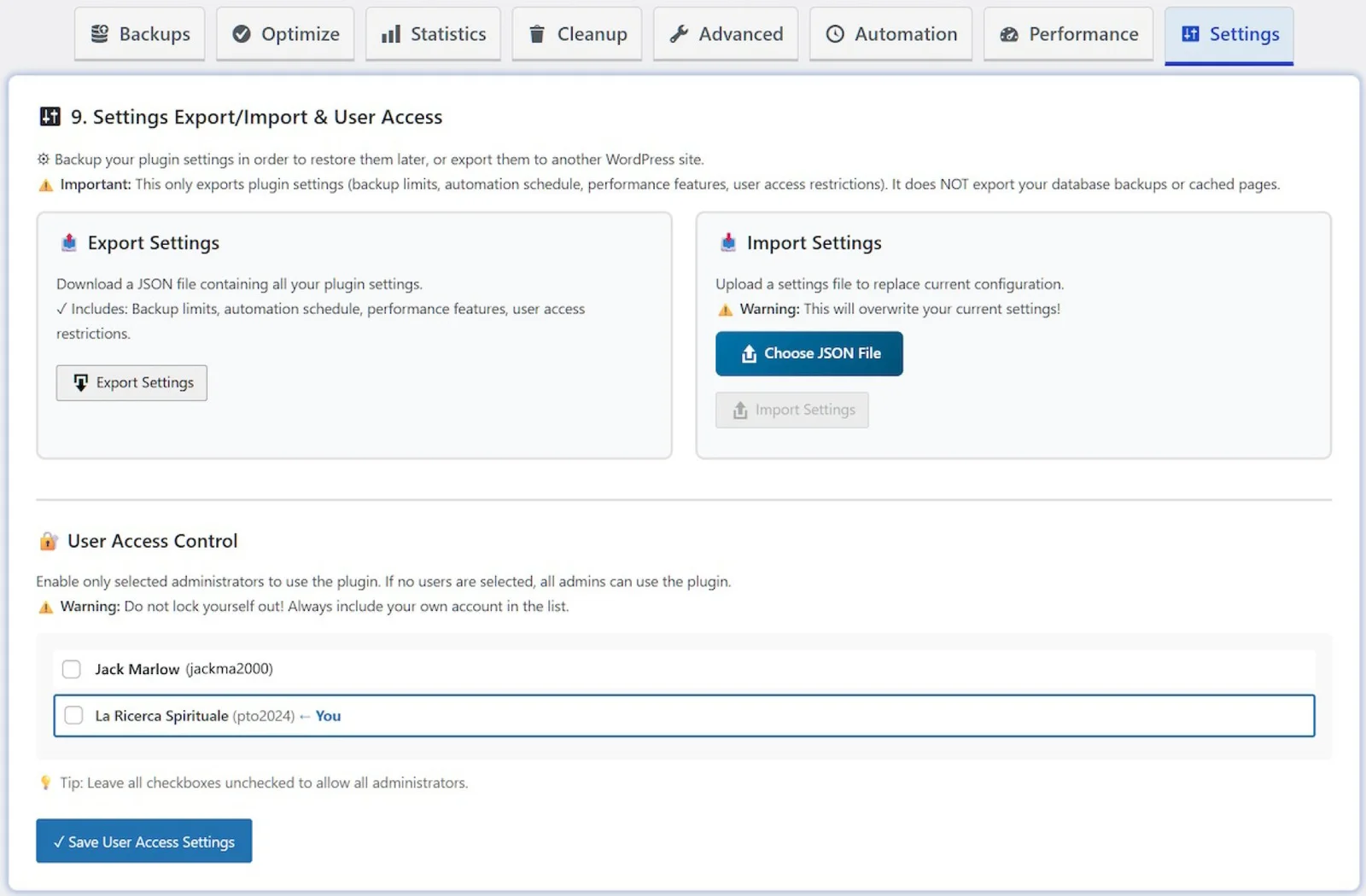
- User access control
- Settings export and import
- Real-time progress tracking
- Detailed operation results
- Optimization history log
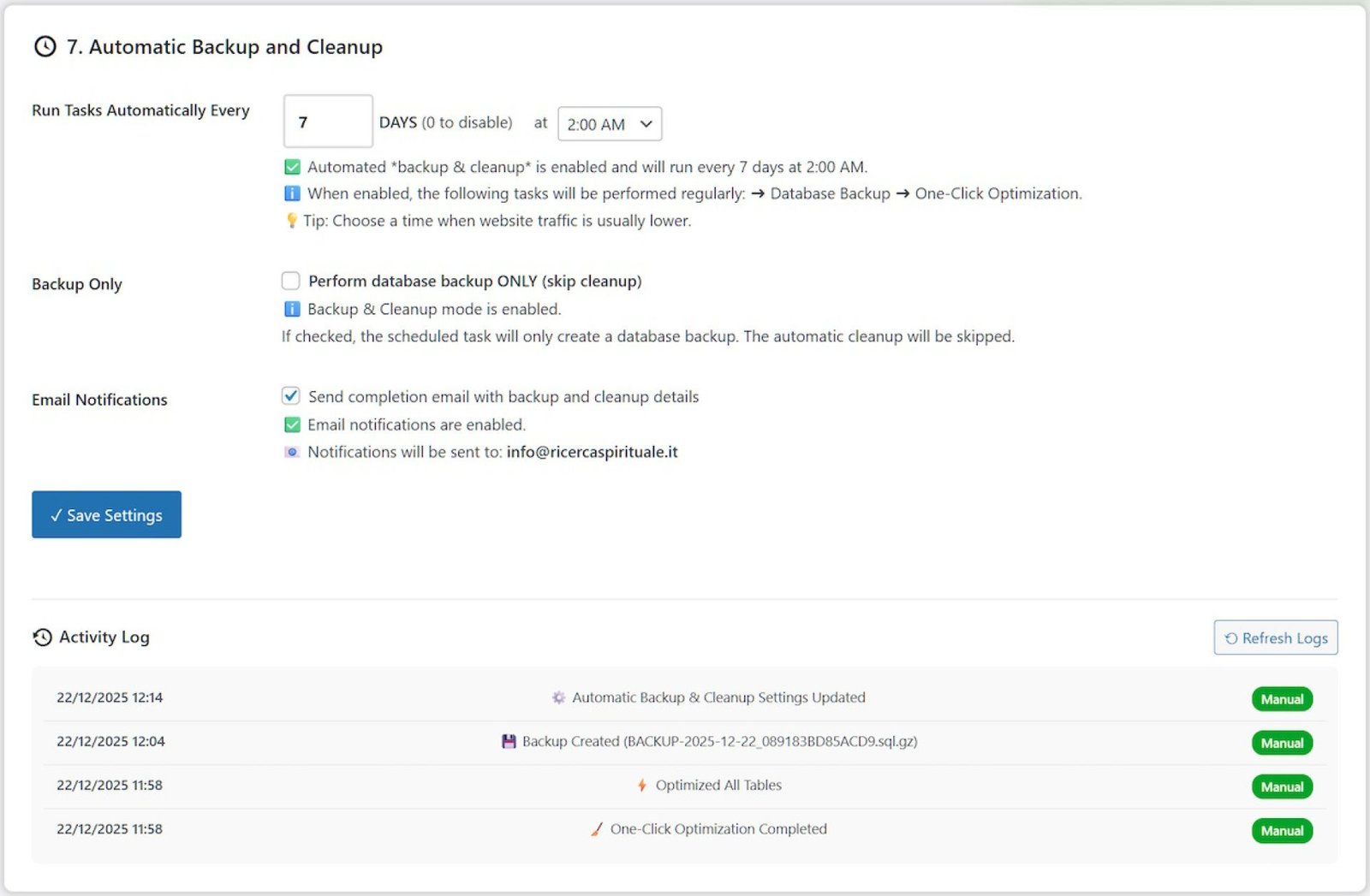
- Email notifications for scheduled tasks
- Automatic scheduled backup and cleaning
- Multi-language interface support
- In-dashboard help and tooltips
- Comprehensive plugin manual
WooCommerce Support
- WP Optimal State Pro is also suitable for WooCommerce websites. It helps clean expired WooCommerce sessions, reduce database bloat, and manage performance-heavy store data.
- The caching system can detect and exclude sensitive WooCommerce pages such as Cart, Checkout, and My Account pages to avoid showing outdated customer data.
Security & Safety Features
- WP Optimal State Pro is built with safety in mind. Before restore operations, the plugin can create a safety backup to reduce the risk of data loss.
- The restore process includes validation, rollback options, maintenance mode support, protected backup storage, and SQL safety checks to help protect your website during database operations.
Ideal For:
- WordPress website owners
- WooCommerce store owners
- Bloggers and publishers
- Web developers
- WordPress agencies
- Freelancers managing client websites
- Businesses that need reliable site performance
- Users who want to replace multiple optimization plugins with one complete tool
Requirements:
- WordPress 5.5 or higher
- PHP 7.4 or higher
- MySQL 5.6 or higher
- Single-site WordPress installation
- Administrator permission
- Redis or Memcached is optional for database query caching
- Multisite WordPress networks are not supported
Installation:
- Navigate to your WordPress Admin Dashboard.
- Go to Plugins > Add New.
- Click Upload Plugin.
- Choose the WP_Optimal_State_PRO_X-X-X.zip file from your computer and click Install Now.
- Once installed, click Activate Plugin.
- Upon activation, the plugin will immediately check for and create its required directories and default settings files.
- Look for “Optimal State” in you admin menu.
- Enjoy!
-------------------------
Version 1.3.3 (Current) – June 2026
-- Release Notes --
- Main class "class-optistate.php" split into two additional classes.
- Toast notification system enhanced for better accessibility and readability.
- Added a "Refresh Items" button to the One-Click Optimization feature.
- Improved database backup and restore system compatibility, now covering 99.5% of websites.
- Enhanced memory management of the database restore process to minimize errors on low-performance servers.
- Adjusted some settings in the database cleanup functions for faster and more reliable operation.
- Updated XML-RPC Interface disabling to prevent error messages in the error log file.
- Database Query Caching system optimized for higher reliability and improved performance.
- Adjusted the "Optimize All Tables" feature to ensure maximum stability on slow servers as well.
- Various minor adjustments to ensure full security across all operations on all compatible WordPress and PHP versions.
No reviews found!






No comments found for this product. Be the first to comment!