



Overview:
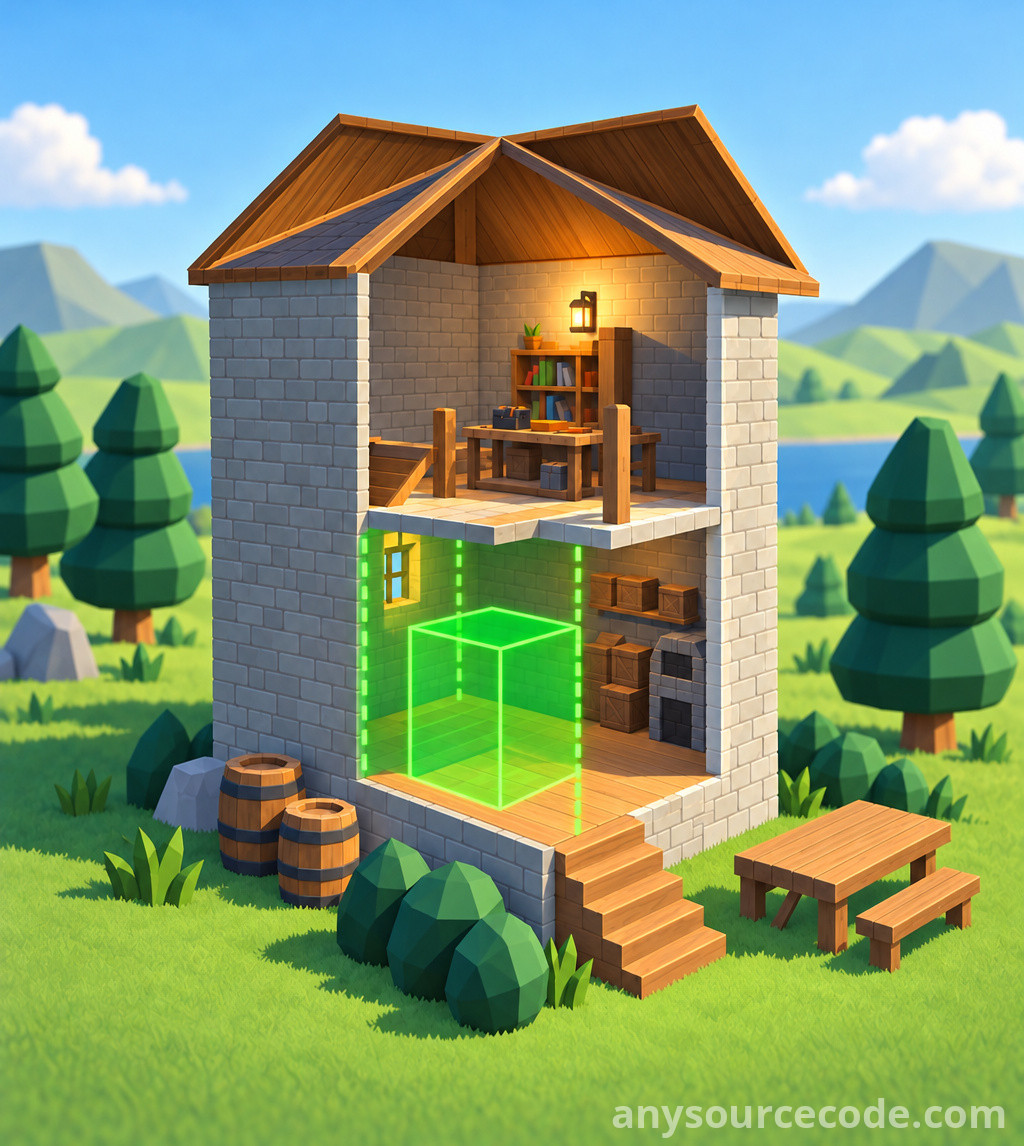
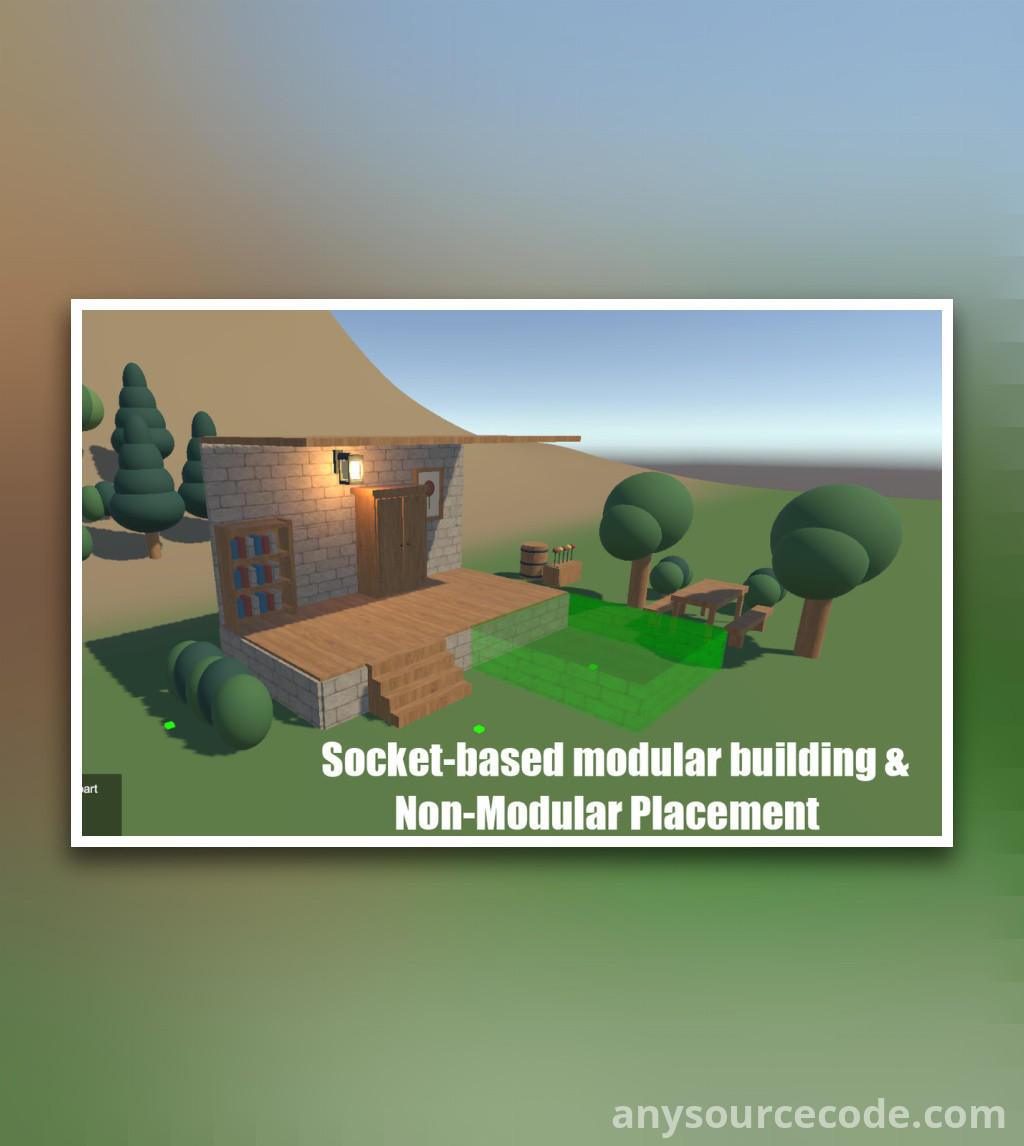
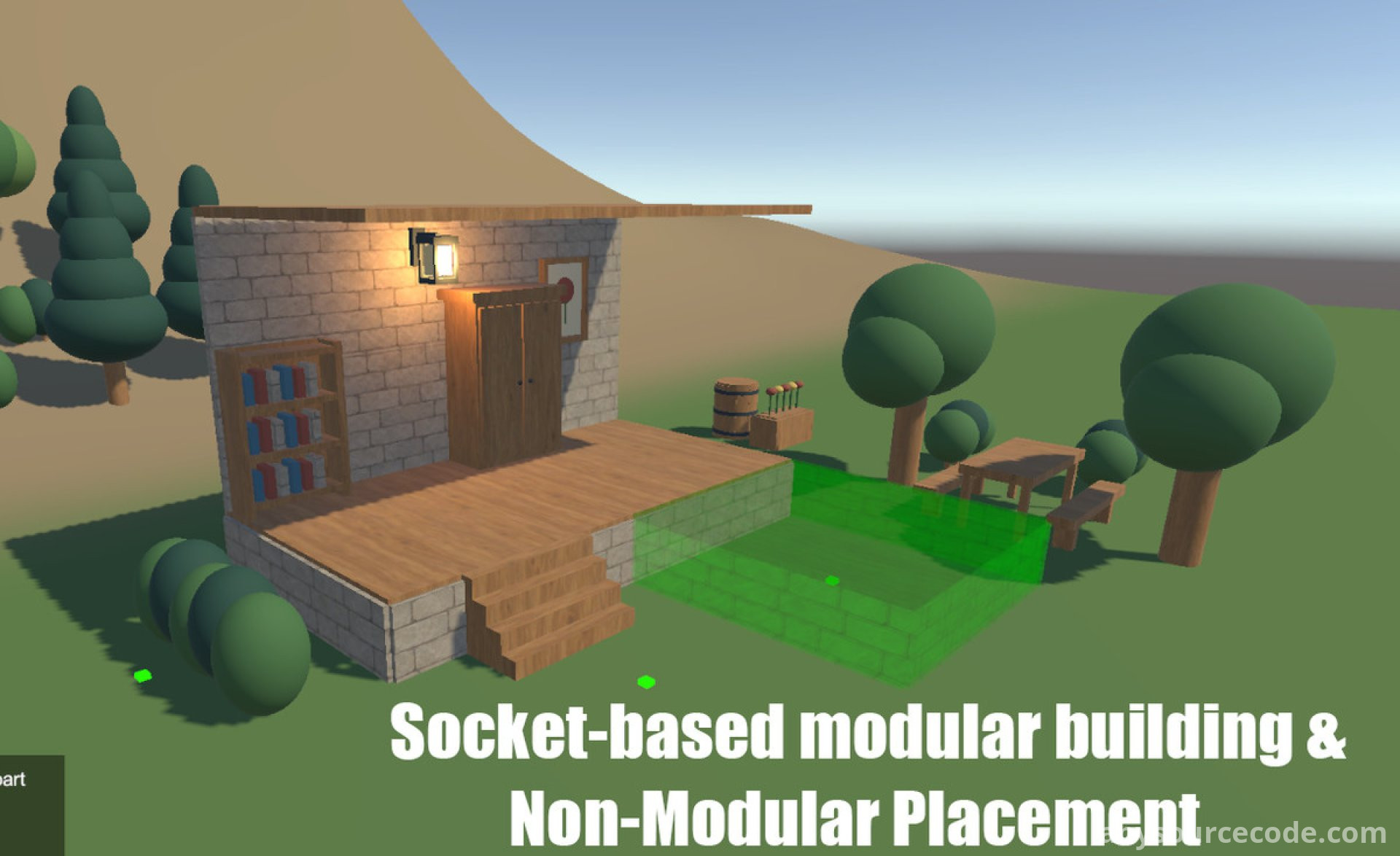
Build System is a configurable construction framework for creating modular structures and placing props in a Unity project. Assemble foundations, walls, floors, roofs, stairs, and curved pieces with socket snapping, or freely position objects such as furniture, vegetation, and outdoor props.
Set placement rules for each buildable object, preview its position, and validate it against surfaces, obstacles, and terrain before placing it. The included demo scene illustrates the workflow, while collection tools and integration hooks let you adapt construction controls and game rules to your project.
Features:
- Build with modular foundations, walls, floors, roofs, stairs, and curved pieces using compatible socket layouts.
- Place complete houses, wall-mounted objects, furniture, outdoor props, and vegetation.
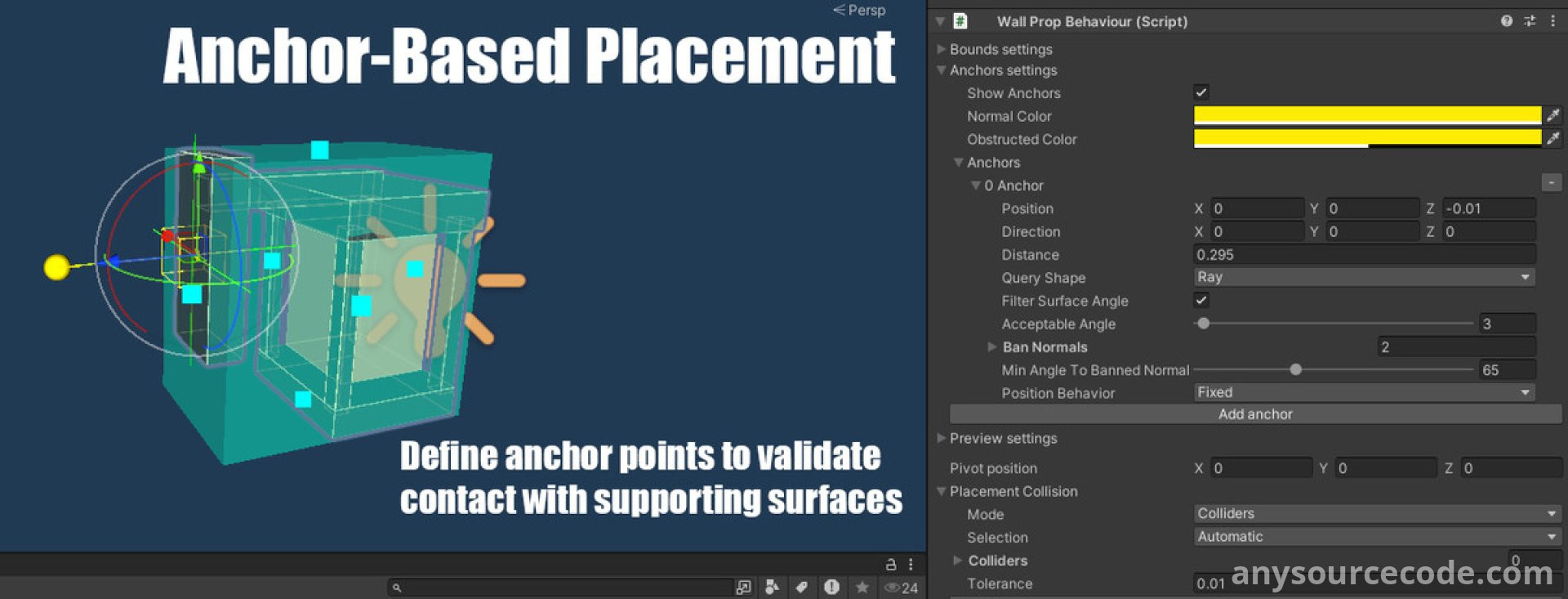
- Configure prefab behaviour, bounds, anchors, and placement rules for individual objects.
- Connect modular pieces with socket snapping or place objects freely without a modular layout.
- Validate placement using oriented bounding boxes or supported collider shapes.
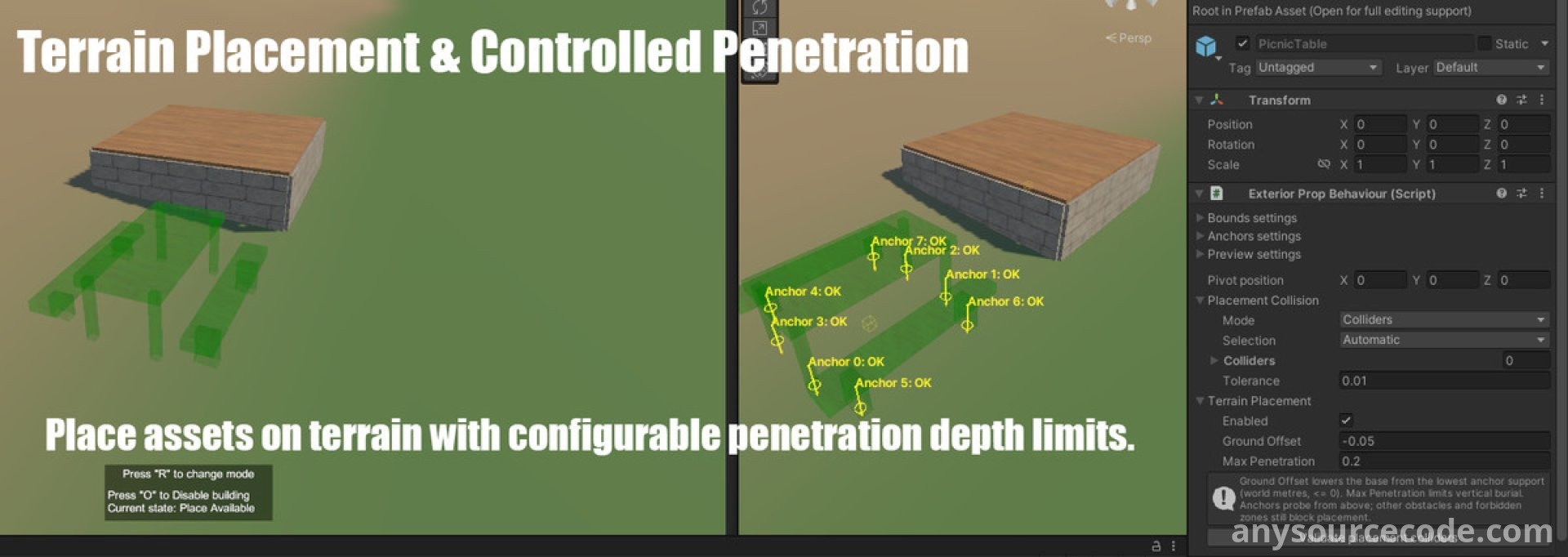
- Configure surface support anchors, obstacle detection, and terrain penetration limits.
- Customize placement previews with configurable materials and use dissolve effects when objects appear or are removed.
- Use URP as the default render-pipeline setup, with separate matching material and shader packages for Built-in and HDRP.
- Use the Project Setup tool to install selected materials and configure the demo for a render pipeline.
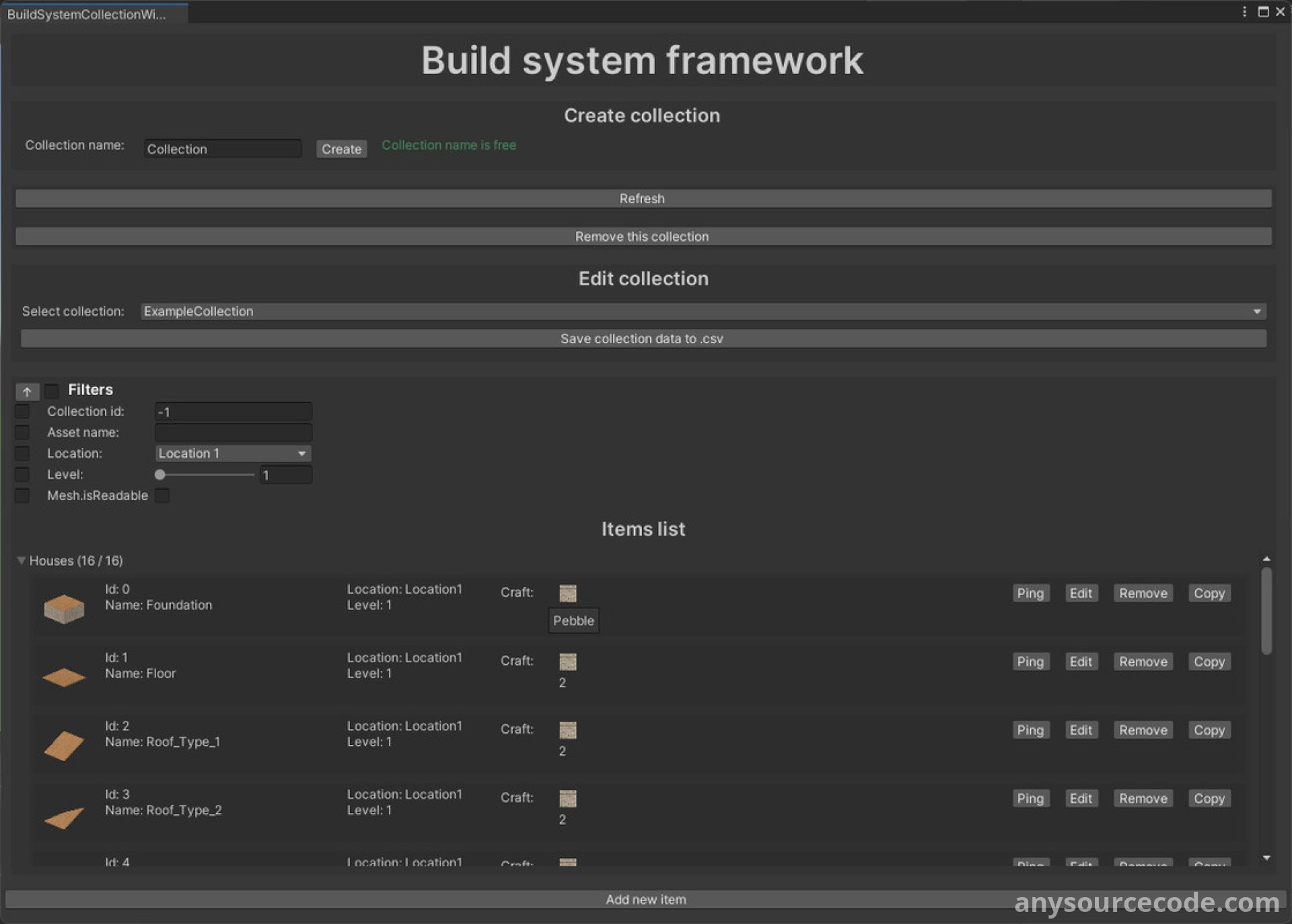
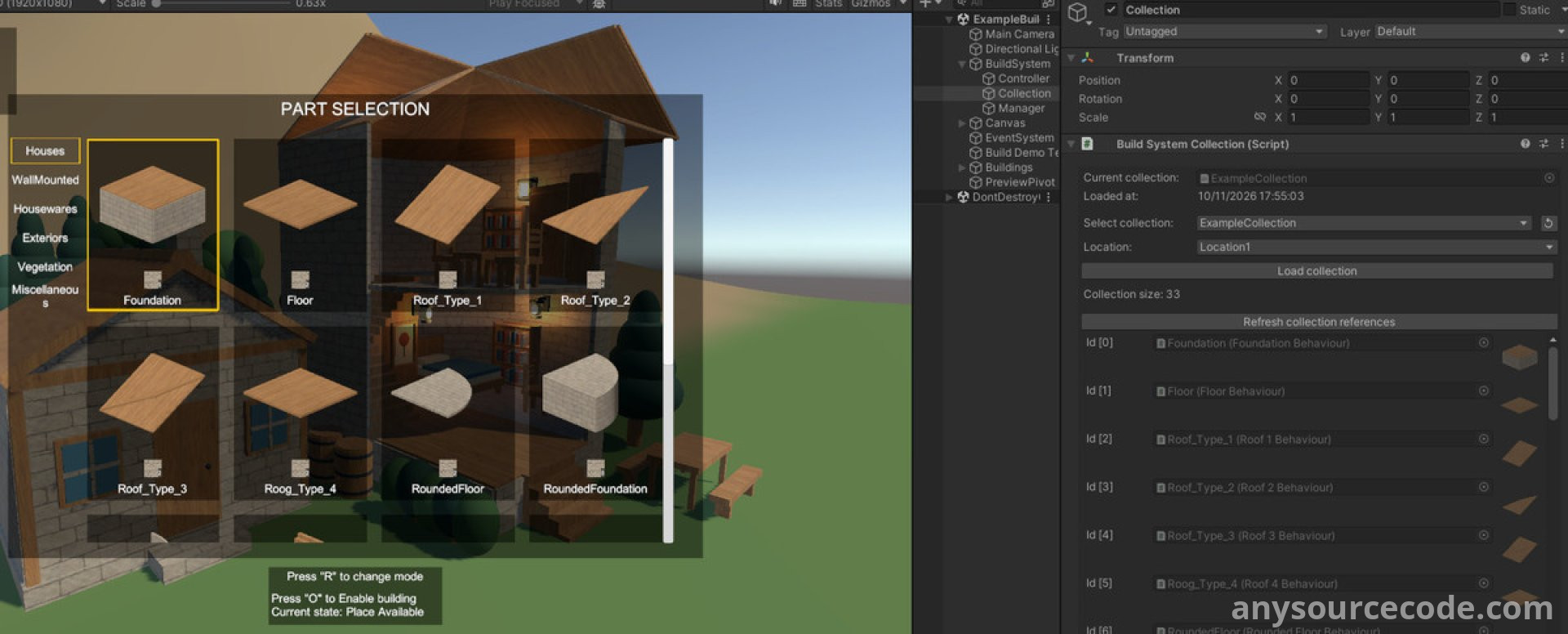
- Manage prefab references, icons, categories, and resource metadata with the JSON collection editor.
- Control preview positioning, rotation, placement, and removal through controller methods, events, and C# APIs.
- Extend placement and removal rules with restriction methods and lifecycle hooks; custom restrictions require controller registration.
- Use resource-cost metadata and restriction hooks; inventory checks, consumption, and refunds require custom implementation.
- Explore example building prefabs and placement UI in the included demo scene.
- Use the demo's local JSON save/load example and distance-based loading for saved buildings; arbitrary component and inventory state is not automatically persisted.
- Review configurable diagnostic messages and editor Gizmos for bounds and anchors.
- Consult the English PDF manual for setup, prefab configuration, collections, and integration.
Platform:
Unity 2022.3.62
No reviews found!










No comments found for this product. Be the first to comment!